
Your Router Has A Speed Limiter You Should Probably Turn Off
Search optical fiber, connectivity, cable management and network infrastructure references.
-
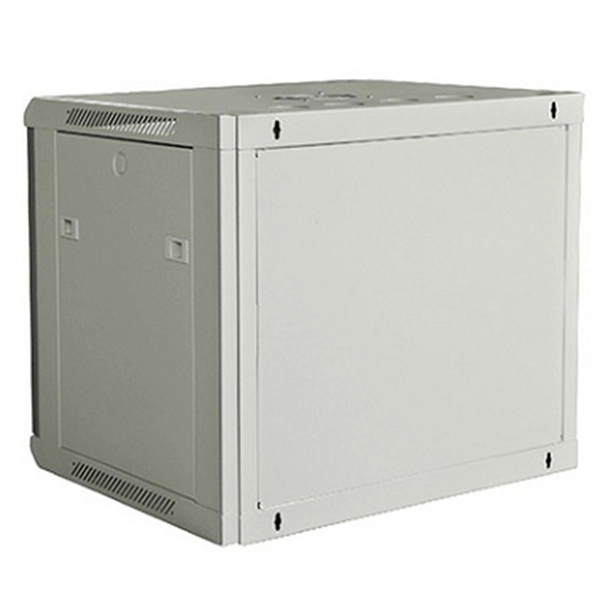
100m fiber optic wireless router speed is slow
Quick answer: restart your router, update its firmware, check for signal interference, and optimize your WiFi settings to boost your internet speed. These simple steps can significantly improve your connection and eliminate frustrating lag. Having a sluggish WiFi connection...
[PDF Version]
-
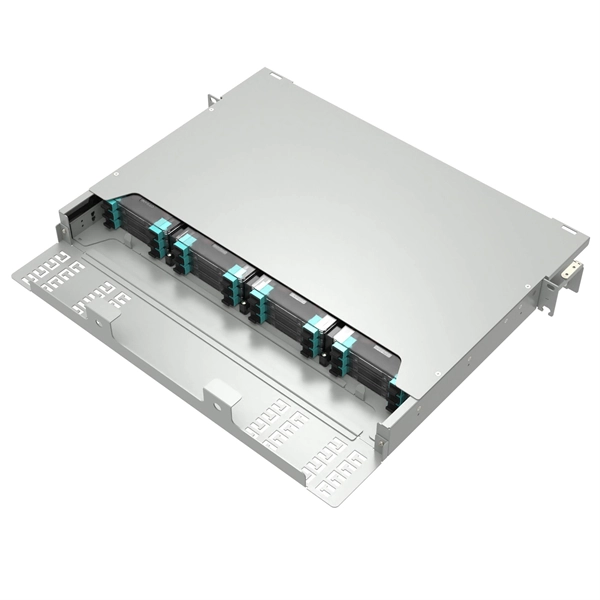
Router fiber optic light is blue no internet connection
If your router is on, as indicated by the blue light, but you can't access the internet, the best way to resolve the issue is to perform a hard reset. This process clears all caches, refreshes the RAM, and restarts the router. When issues like signal loss, slow speeds, or...
[PDF Version]
-
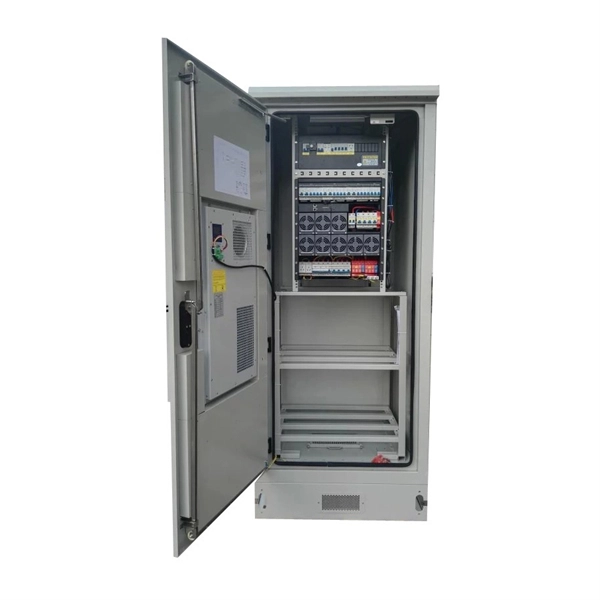
Router settings for simultaneous ADSL and fiber optic connections
Within the router's settings, look for the “load balancing” or “link aggregation” section. Enable this feature and select the two internet connections you want to combine. An unlimited. Yes, you can connect two routers to one fiber modem, but understanding the 'how' and 'why'...
-
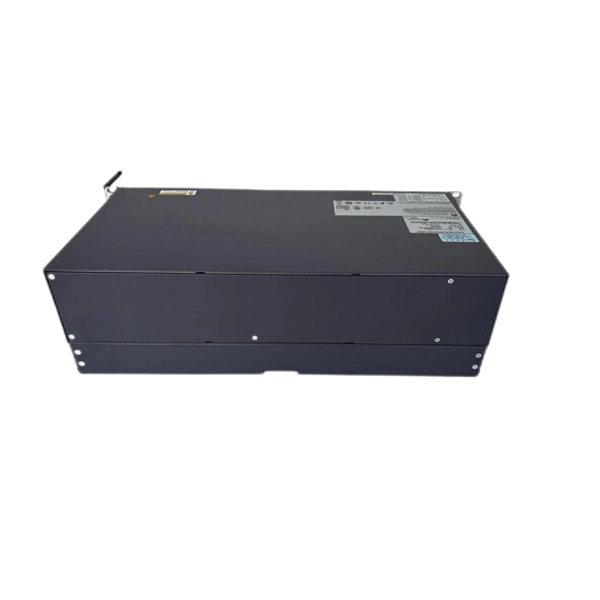
Is a dual gigabit router necessary with a 100Mbps fiber optic connection
The short answer is no, you don't necessarily need a special router for fiber optic internet. With 100M optical fiber broadband, can I change the gigabit router to increase the network speed? In fact, when you are using 100M broadband, changing to a gigabit router can not...
[PDF Version]
-
Saudi Arabia 400G Optical Router
Juniper Networks announced that Saudi Arabian telecommunications company stc will implement Juniper 400G routers in its core network and selected data centres to support the expansion of its 5G network to cover 75 cities and regions in Saudi Arabia. According to Juniper, stc...
[PDF Version]