
Kvm Quick Troubleshooting Guide
Search optical fiber, connectivity, cable management and network infrastructure references.
-
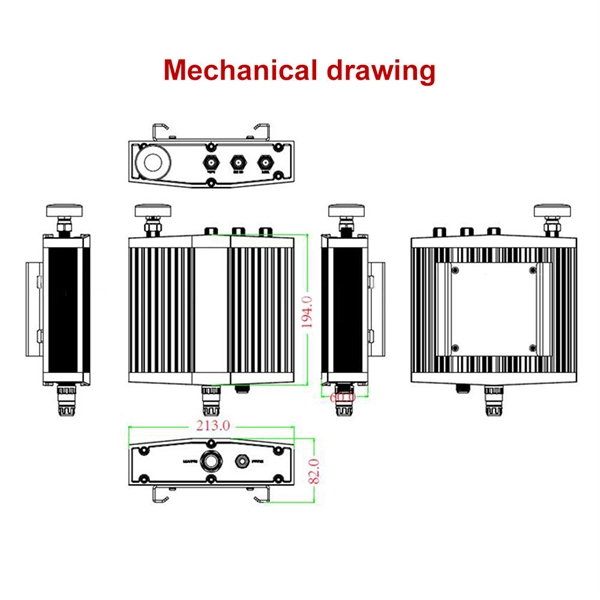
Quick Guide to Electrical Distribution Boxes
A electrical distribution box acts as the central hub for managing electrical power, directing the main supply into subsidiary circuits equipped with protective devices like circuit breakers or fuses. Bus bars within distribute electricity evenly, reducing energy loss and...
[PDF Version]
-
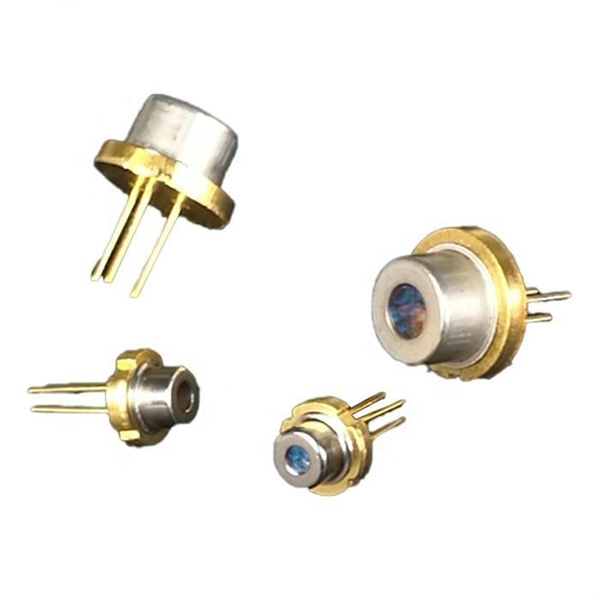
Selection Guide for 100G Power Network-Grade OLT Optical Line Terminals
Complete OLT buying guide covering GPON/EPON/XGS-PON standards, port density calculation, brand comparison (Huawei, ZTE, FiberHome, VSOL), and deployment tips for ISPs and network operators. What is an OLT and Why Does It Matter? An Optical Line Terminal (OLT) is the core...
-
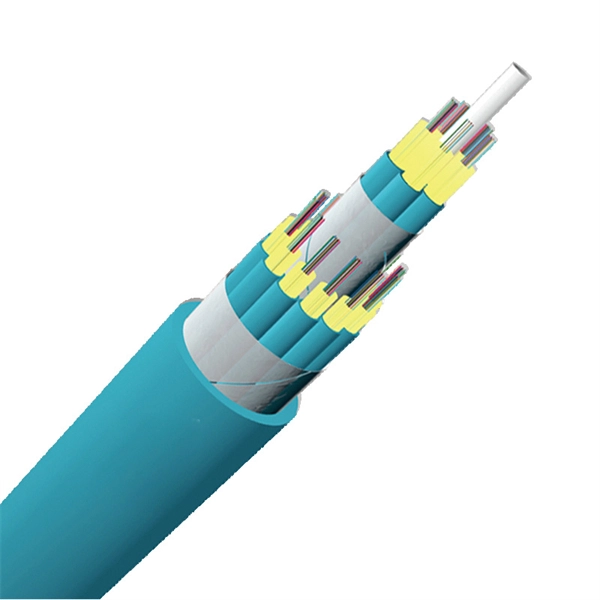
KVM Shared Devices and Switchers
KVM switches let you control multiple computers with one keyboard, mouse, and monitor, eliminating cable clutter and duplicate peripherals. Last Updated: October 1, 2025 KVM switches let you control multiple computers with one. The ClimatePartner certified product label...
[PDF Version]
-
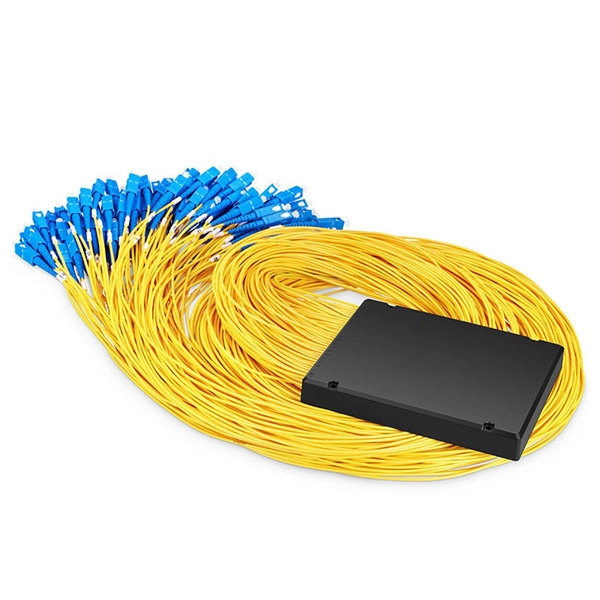
Optical Coupler Selection Guide
When specifying optical couplers you should consider the fiber optic cable, the coupler type, signal wavelength, number of inputs and outputs, as well as insertion loss, splitting ratio, and polarization dependent loss (PDL). The device allows the transmission of light waves...
[PDF Version]
-
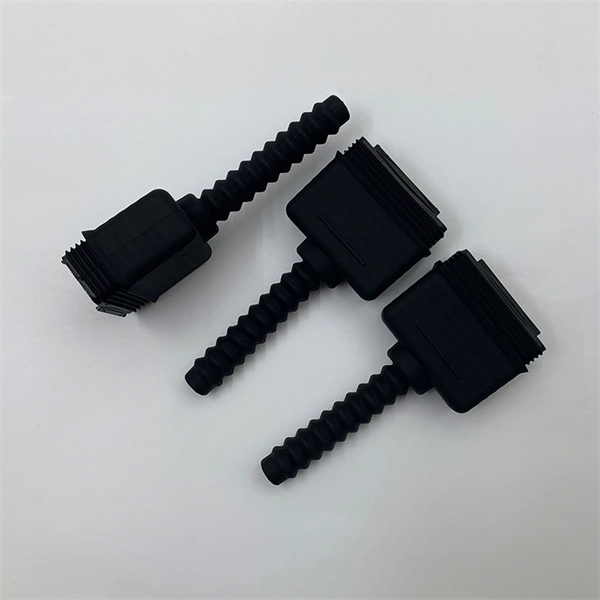
KVM Fiber Optic Extender with USB
USB True 4K DisplayPort/HDMI Optical KVM Extender (True 4K @ 10 km) Extends transmission of True 4K video, KVM and control signals over a single fiber optic cable up to 10 km. Perfect for expansive spaces like large buildings, ensuring clear, high-quality visuals (Note: The...
[PDF Version]
-
Aerospace-grade QSFP28 optical module SFP selection guide
This guide provides a systematic selection process to help you choose the right QSFP28 module every time. The correct choice depends on matching fiber type, reach distance, switch compatibility, power budget, breakout requirements, and overall architecture. Below, you will...
[PDF Version]
-
How to use the KVM switcher box
There are two methods to control the KVM Switch for PC switching: using the Face-Panel Push Buttons or Hotkey Commands. The Face-Panel Buttons allow a direct control over PC port switching; simply press the button to switch PC port. The technology is commonly used wherever...
[PDF Version]
Explore the next connection
- Fiber Optic Coupler Telecommunications
- Red-blue spectrometer
- Indoor distribution box 380 incoming line
- Which manufacturer makes the Finisher optical module
- Relationship between fiber optic terminal boxes and pigtails
- How much cable opening is appropriate for installing a junction box
- Why do optical modules need to be flashed
- Preventing the electrical distribution box from falling
- Visio Fiber Optic Cable Diagram