
Introduction To Core Switch Configuration
Search optical fiber, connectivity, cable management and network infrastructure references.
-
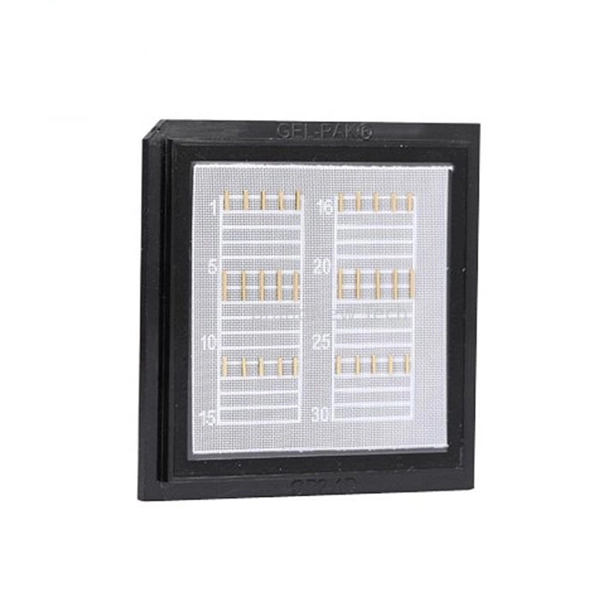
To check the core switch configuration
8 Steps to configure your network switch If everything checks out, power on the switch and verify that all the indicator lights are in working order. Next.
[PDF Version]
-
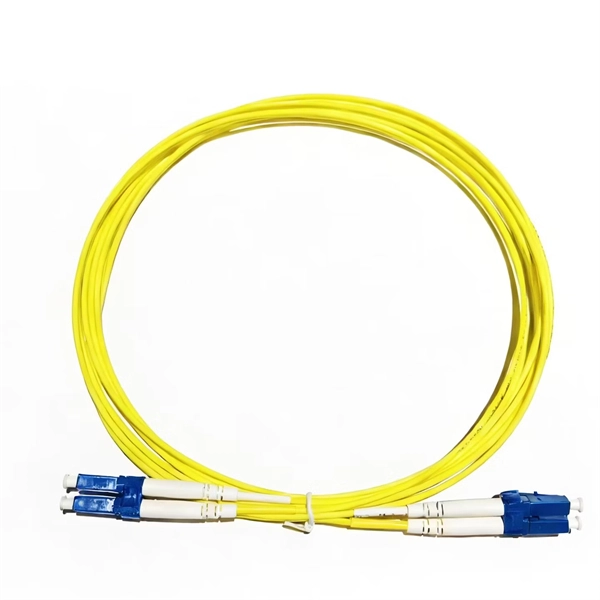
Configuration of Campus Network Core Switch
Configuring the Core Switch In this scenario, IP addresses of the interfaces connecting the core switch to the BRASs and firewalls and OSPF need to be conf.
[PDF Version]
-
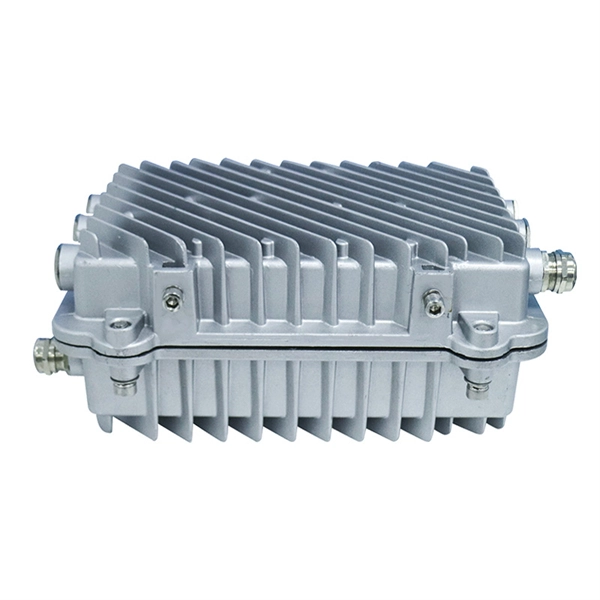
Distribution box switch configuration level
The recommended configuration is: 1 Main Switch: Controls the entire electrical system. X Room Socket Circuits: Each room should have its own circuit to manage regular sockets. In industrial and building electrical systems, the Powbinet, as a core device in the low-voltage...
[PDF Version]
-
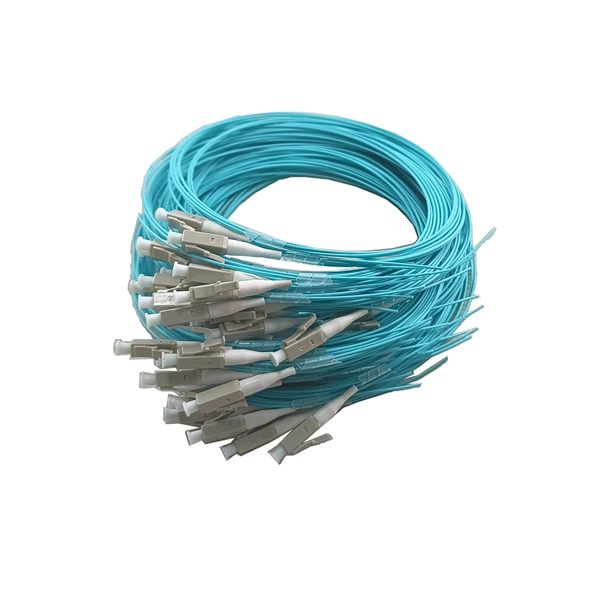
Selection of Gigabit Core Switch
A standard for choosing gigabit switches Here is a quick calculation and selection method: Bandwidth value = (sub-stream + main stream) * number of channels * 1. A Gigabit Ethernet switch works at speeds of 1 Gbps. It connects multiple devices in the same local area network...
[PDF Version]
-
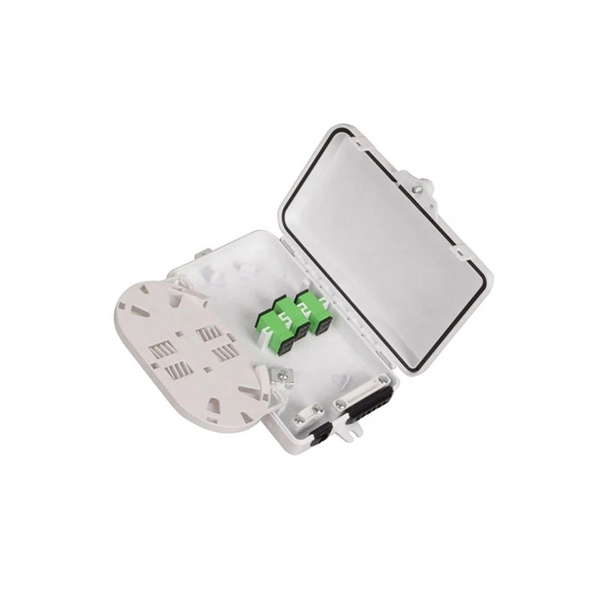
Does the core switch have a cache
Ordinary switches employ the out-port cache mode, but with technological advancements, network core layer switches have transitioned to a distributed cache architecture, enhancing device memory. Its cache is substantially bigger than that of a standard switch, with a cache...
[PDF Version]
-
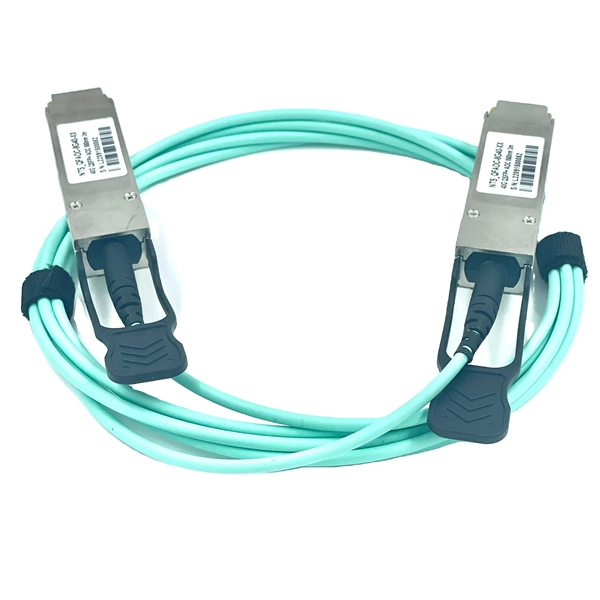
Comparison of Fiber Optic Switch Configuration Modes
Single-Mode Fiber (SMF): Narrow core (8–10 µm) allows only one light mode, minimizing signal loss and enabling long-distance, high-bandwidth transmission. Multi-Mode Fiber (MMF): Wider core (50 or 62. Among the many components that contribute to the efficiency of fiber optic...
[PDF Version]