
Huawei Ethernet Switches
Search optical fiber, connectivity, cable management and network infrastructure references.
-
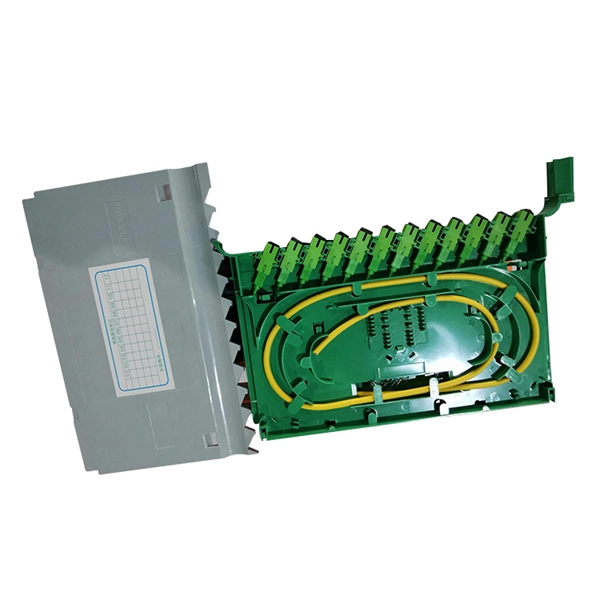
Huawei can build aggregation switches
Huawei offers a range of powerful aggregation switches designed to meet the diverse networking needs of modern enterprises. These switches serve as critical intermediaries between access and core layers, ensuring high-speed data transmission, intelligent traffic management...
[PDF Version]
-
Viewing Fiber Optic Transceiver on Huawei Switches
Run the display transceiver [ interface interface-type interface-number | slot slot-id ] [ verbose ] command to view information about the optical module on a specified interface. During use, reading optical module information helps understand its real-time operating status...
[PDF Version]
-
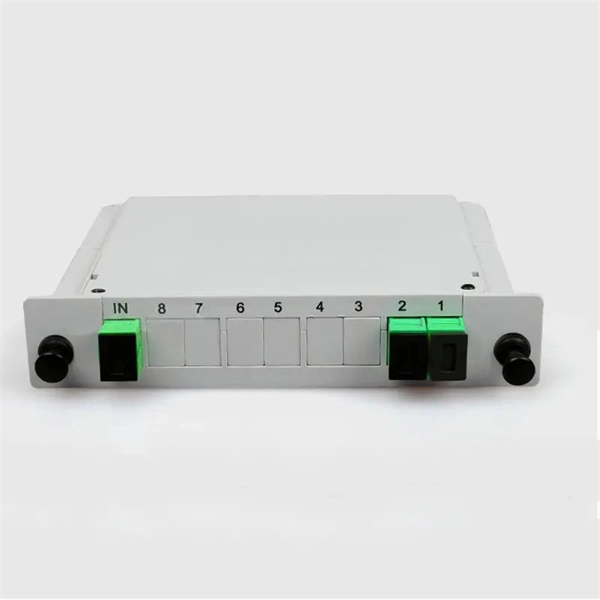
Huawei S2720 Series Core Switches
Huawei S2720-EI switches are well suited for enterprise campus access scenarios, featuring both 100M-to-the-desktop and GE uplink transmission. They provide a mix of 100M and 1000M ports and offer rich Layer 3 routing protocols, high performance, and powerful service...
-
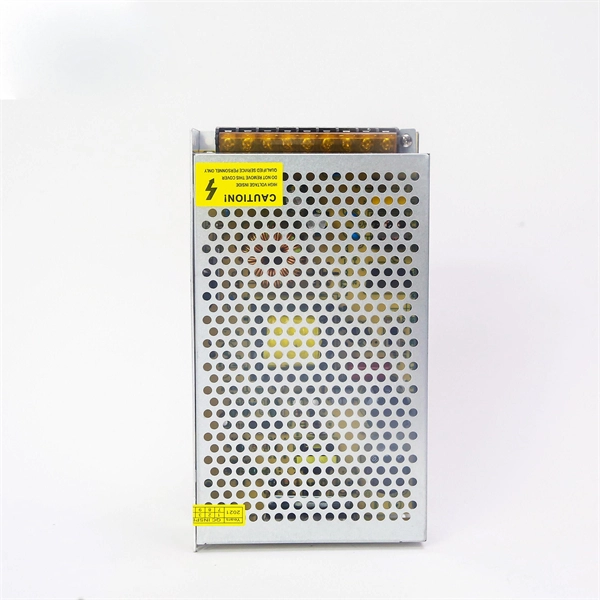
Industrial Communication Ethernet Switches
Managed, unmanaged and Power-over-Ethernet (PoE) IP20- and IP67-rated Industrial Ethernet Switches are robust and versatile, helping enable industrial automation and monitoring in challenging conditions subject to extreme temperatures, dust and moisture. This gives you the...
[PDF Version]
-
How to remove VLAN segments from Huawei core switches
To remove an individual VLAN from your HUAWEI switch configuration: Enter System View: Access the global configuration mode from the user view. Delete the VLAN: Use the undo vlan command followed by the specific VLAN ID. It is good practice to delete unused VLANs to conserve...
[PDF Version]
Explore the next connection
- Overview of Micro-Module Computer Room Implementation
- Price List of Cable Trays in Equatorial Guinea
- How to install the flip shaft of the distribution box
- How to inspect optical cables
- Can a fiber optic cable be connected to a switch
- Is the UPC pigtail cable a flathead type
- Are network cables and fiber optic cables good or bad