
Fix Cisco Switch Not Saving Configuration
Search optical fiber, connectivity, cable management and network infrastructure references.
-
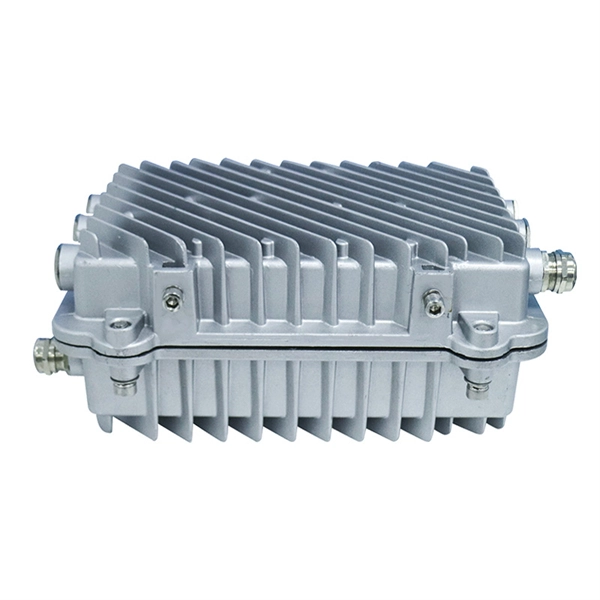
Distribution box switch configuration level
The recommended configuration is: 1 Main Switch: Controls the entire electrical system. X Room Socket Circuits: Each room should have its own circuit to manage regular sockets. In industrial and building electrical systems, the Powbinet, as a core device in the low-voltage...
[PDF Version]
-
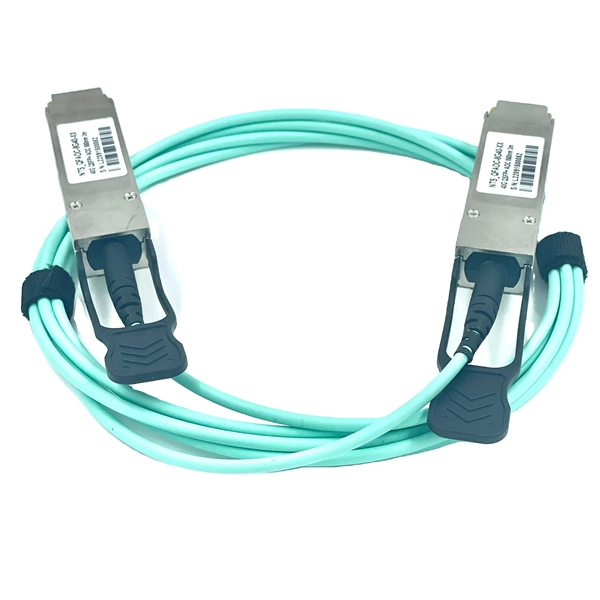
Comparison of Fiber Optic Switch Configuration Modes
Single-Mode Fiber (SMF): Narrow core (8–10 µm) allows only one light mode, minimizing signal loss and enabling long-distance, high-bandwidth transmission. Multi-Mode Fiber (MMF): Wider core (50 or 62. Among the many components that contribute to the efficiency of fiber optic...
[PDF Version]
-
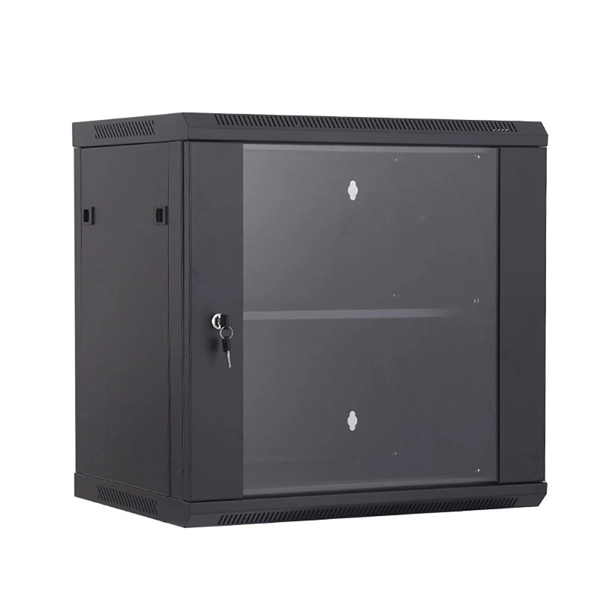
Huijue Industrial Switch Ring Network Configuration
This publication describes DLR network operation, topologies, configuration considerations, and diagnostic methods. Download firmware, associated files (such as AOP, EDS, and DTM), and access product release notes from the Product Compatibility and Download Center at...
[PDF Version]
-
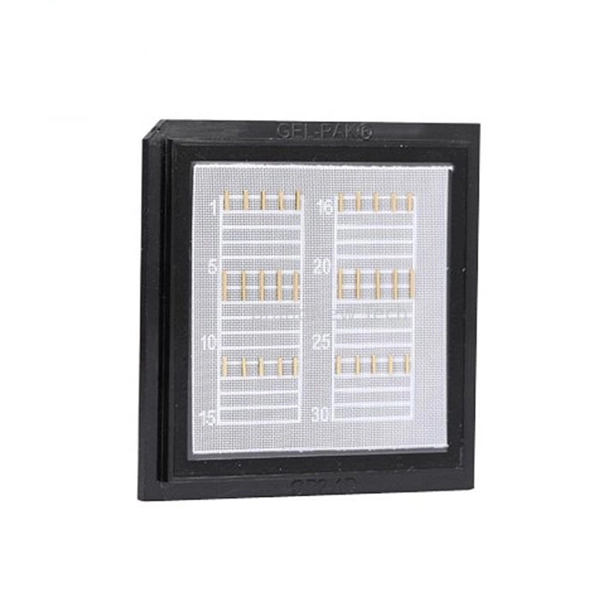
To check the core switch configuration
8 Steps to configure your network switch If everything checks out, power on the switch and verify that all the indicator lights are in working order. Next.
[PDF Version]
-
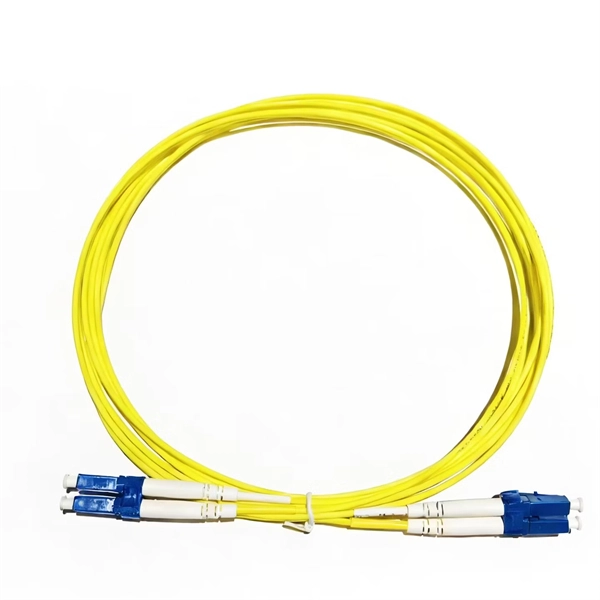
Configuration of Campus Network Core Switch
Configuring the Core Switch In this scenario, IP addresses of the interfaces connecting the core switch to the BRASs and firewalls and OSPF need to be conf.
[PDF Version]
Explore the next connection
- Imported 12-core fiber optic distribution cabinet for cable TV transmission
- List of AI Server Component Suppliers
- Netlink Single-Mode Single-Fiber Optic Transceiver
- Does an optical port still require an optical module
- Technical parameters of domestically produced cable trays
- Andorra Distribution Box Project