
33 Settings That Get You 95 More Views
Search optical fiber, connectivity, cable management and network infrastructure references.
-
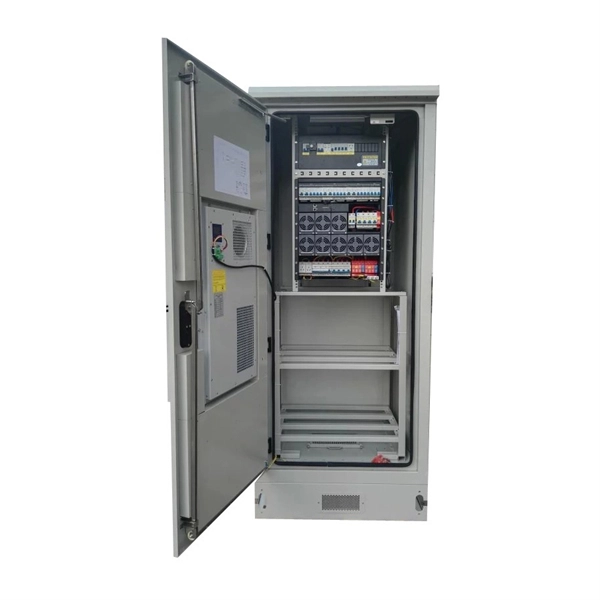
Router settings for simultaneous ADSL and fiber optic connections
Within the router's settings, look for the “load balancing” or “link aggregation” section. Enable this feature and select the two internet connections you want to combine. An unlimited. Yes, you can connect two routers to one fiber modem, but understanding the 'how' and 'why'...
-
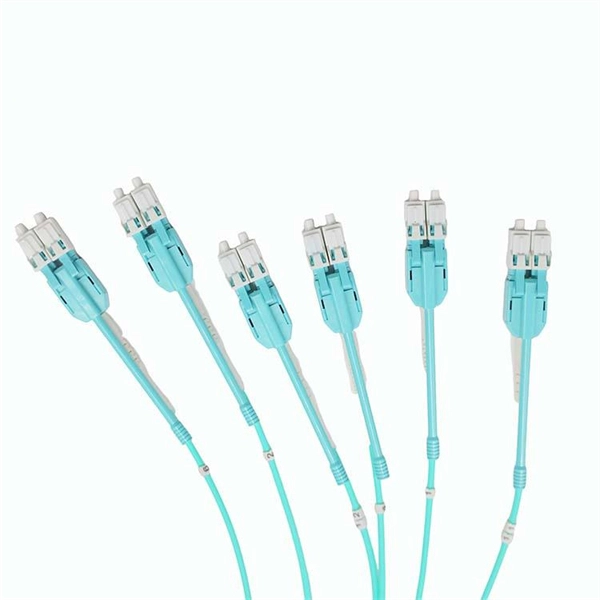
Electrical Distribution Box Door Settings
Learn how to install a distribution box safely and correctly. Covers wiring, placement, standards, and expert tips for a compliant setup.
-
Calculation of Relay Protection Settings in Local Power Systems
Use this Protection Relay Setting Calculator to calculate pickup current, time multiplier settings (TMS), operating time, coordination time interval (CTI), and plug setting multiplier (PSM) using fault current, CT ratio, and IEC 60255 curve parameters. Protection Settings...
[PDF Version]
-
How to interpret relay protection current settings
An in-depth guide to overload relays current settings, focusing on correct matching of current ratings, trip settings for thermal protection, and practical advice for electricians. Pick Up Current Definition: The current level at which the relay begins to operate, overcoming...
[PDF Version]
-
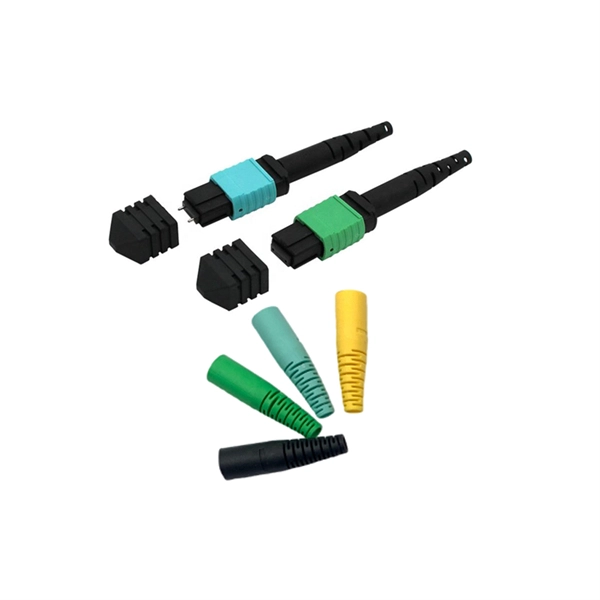
Restore Fiber Optic Router to Initial Settings
Locate the reset button on the back or bottom of the router. " With the router powered on, insert a paperclip, pen tip, or SIM card tool into the pinhole. Resetting helps resolve slow speeds, connection drops, security concerns, forgotten passwords, and configuration problems...
[PDF Version]
-
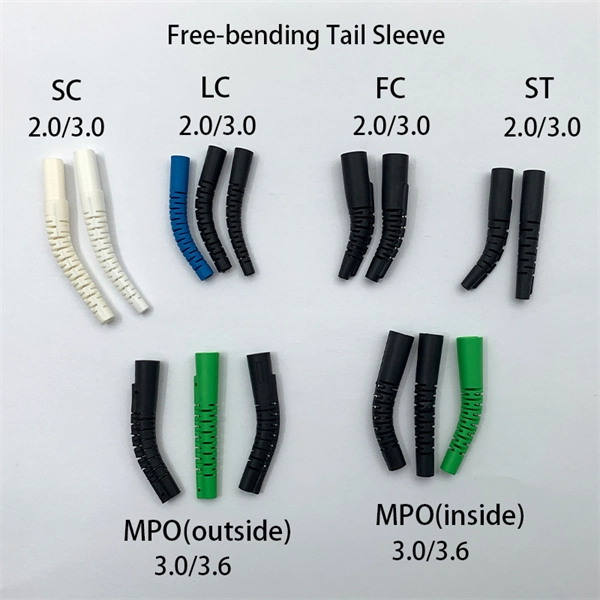
Relay Protection Program Communication Port Settings
This tutorial is about modifying your E-Series Relay configuration with the PowerPort-E software. Learn how to customize protection parameters, turn on communications, program front-panel LEDs, modify settings groups and build logic functions. SIPROTEC 7SD82 provides compact...
[PDF Version]
-
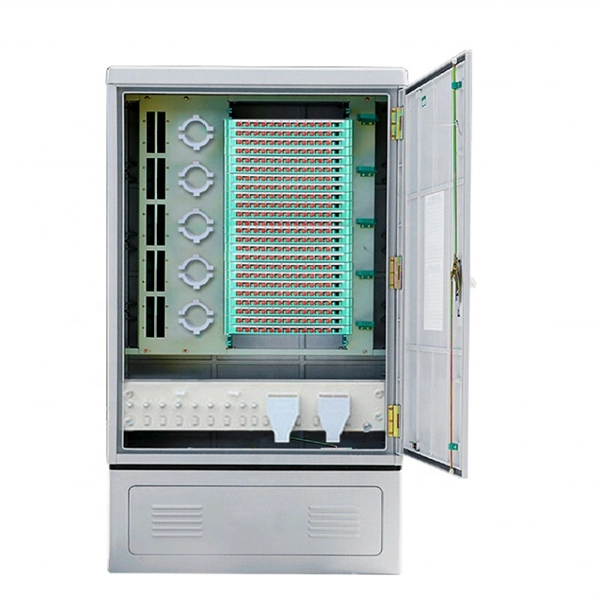
Switch can only be connected to PC settings
Fortunately, you can hook your Switch up to your PC by using the console's TV Mode. You just need some added software and equipment. Your Nintendo Switch and your PC can work together in several useful ways, but the “right” connection depends on what you want to do. You can...
[PDF Version]
Explore the next connection
- Copper lugs for jumper wires in distribution boxes
- The outer casing of the distribution box is grounded
- What are fiber optic conductive sensors
- Fireproof Design of Cable Trays in Power Plants
- Distribution Box 16 Self-operated
- Huijue Fiber Optic Patch Cord Multimode 20 Meters Long
- Overseas warehouse long-distance optical cable OS2
- Middle East Switch Industry