
Wireless Router How To Set Up Asus Router With Ont
Search optical fiber, connectivity, cable management and network infrastructure references.
-
How to set up a router via cable
For best results, place your router near your modem. Connect to the STARLINK network from your device WiFi settings. Open the Starlink App > Settings > Router > enter. Before you can set up your wireless network, here's what you'll need: Broadband Internet connection and...
[PDF Version]
-
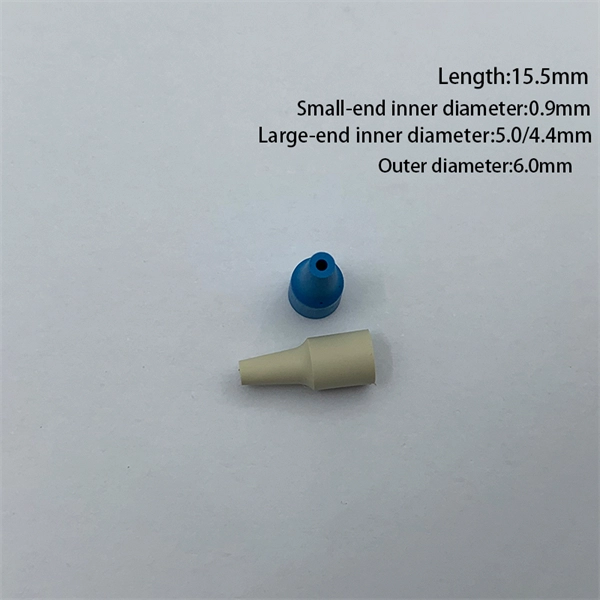
How to set a static IP address on a fiber optic router
How to Set Up a Static IP Address: A Step-By-Step GuideSetting one up is straightforward once you know which address to use, what gateway and DNS settings.
[PDF Version]
-
How to set up a 200M fiber optic Netgear router
Connect the fiber optic cable from your ISP to the ONT (Optical Network Terminal) provided. Power on all devices and configure your router for the internet connection. Setting up a router doesn't have to feel like deciphering a foreign language. With our step-by-step guide...
[PDF Version]
-
How to set up a fiber optic main router
Fiber Internet Installation: Step-by-Step Guide (2026)Get fiber internet installation done right for your home or business. Enjoy lightning-fast speeds and.
[PDF Version]
-
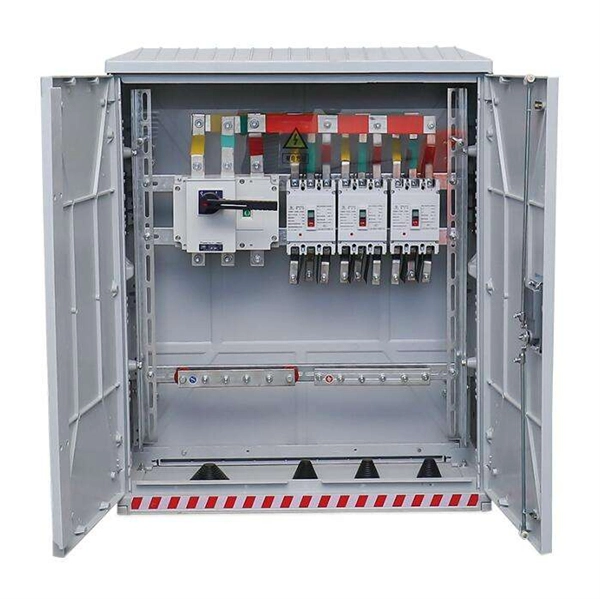
How to set up cable tray supports in Huijue modeling
Right-click the grip on the top face and select Draw Cable Tray. From the Options Bar, set the Middle Elevation to 9' 0". Save the. ARCAT Revit families / BIM objects - Architectural Building Information Modeling (BIM) objects / families / system files, free to download in...
[PDF Version]
-
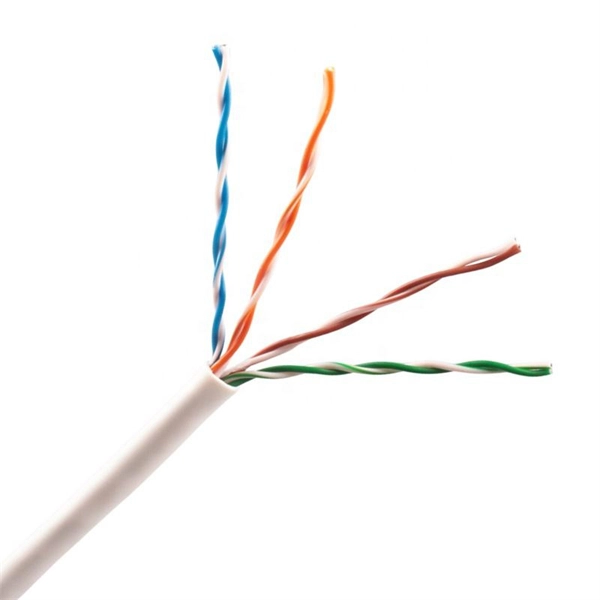
What wireless router is best for a 50Mbps fiber optic connection
The best router for fiber internet is one that matches your plan speed, home size, and how you use your connection. Our top overall pick is the Netgear Nighthawk RS700S, a Wi-Fi 7 router built for multi-gig fiber plans that handles up to 200 devices across 3,500 square feet...