
Why Is Your Internet Connection Constantly Dropping Uncovering
Search optical fiber, connectivity, cable management and network infrastructure references.
-
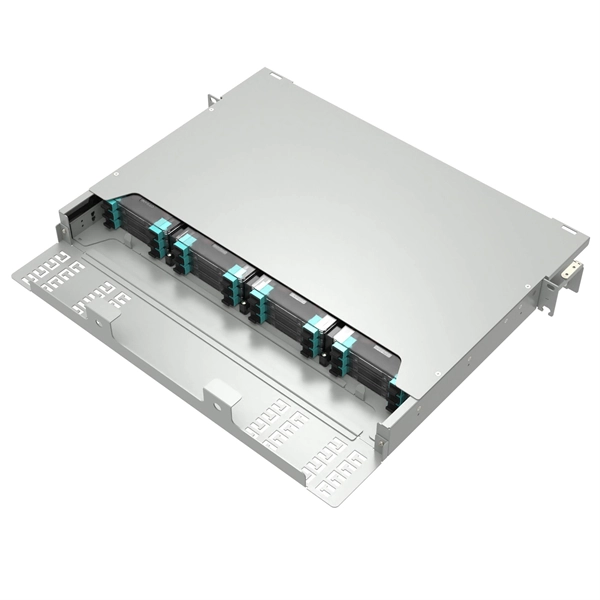
Router fiber optic light is blue no internet connection
If your router is on, as indicated by the blue light, but you can't access the internet, the best way to resolve the issue is to perform a hard reset. This process clears all caches, refreshes the RAM, and restarts the router. When issues like signal loss, slow speeds, or...
[PDF Version]
-
Why was the fiber optic cable disconnected from the internet
Despite their robustness, fiber networks can fail due to: Physical Damage : Cuts, bends, or contamination in fiber cables or connectors. Hardware Failures : Faulty transceivers, switches, or routers. Fiber optic networks are celebrated for their speed and reliability, but...
[PDF Version]
-
Why can t my fiber optic router connect to the internet
Fiber Network Troubleshooting – Common Issues & FixesLearn how to troubleshoot fiber networks. Identify common issues like high loss, dirty connectors, and.
[PDF Version]
-
No internet connection due to fiber optic or blue light source on router
Most common internet issues can be fixed by simple steps like restarting devices, checking cables, enabling Wi-Fi, or updating firmware. Router status lights, often referred to as LED indicators, are small lights on the front panel of your router. Typically, these lights...
[PDF Version]
-
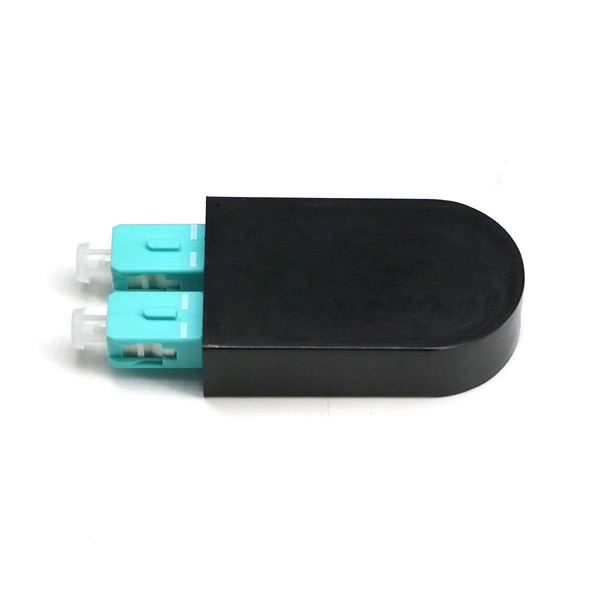
Setting up a router with China Unicom fiber optic internet connection PPPoE
In the location or address line of your Web browser, type 254 to access the Configuration Utility. Click Primary Setup and then Change. Select PPP Over Ethernet and click Save. If you've purchased this device and don't know where to start, don't worry. Follow these steps and...
[PDF Version]
-
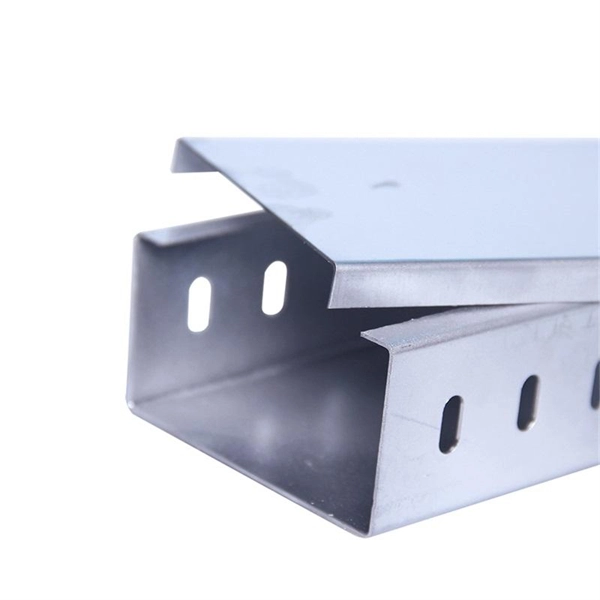
Why can t I access the internet when connected to a router via fiber optic cable
Router Not Connecting To Internet (Detailed Fix)Fix a router not connecting to internet with troubleshooting steps. Check cables, reboot, update firmware.
[PDF Version]