
Tp Link Router Setup Web Management Page Guide
Search optical fiber, connectivity, cable management and network infrastructure references.
-
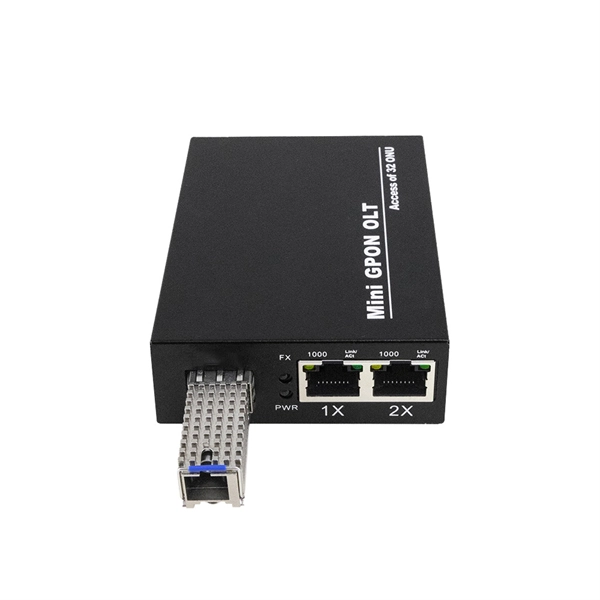
Router Fiber Optic Static IP Setup How to Configure a Router
Login to your router — access the admin panel. Find DHCP reservation — look under "LAN", "DHCP", or "Address Reservation". Setup for a Single Static IP Setup for Multiple Static IPs If you have a multi-layer router or firewall and router configuration, you must set up a...
-
How to configure a router s fiber optic link
To set up your router for fiber internet quickly, connect the router to your fiber modem, access the router's settings via a web browser, and input the provided ISP credentials. Make sure to update the firmware, configure Wi-Fi security, and customize your network name for...
[PDF Version]
-
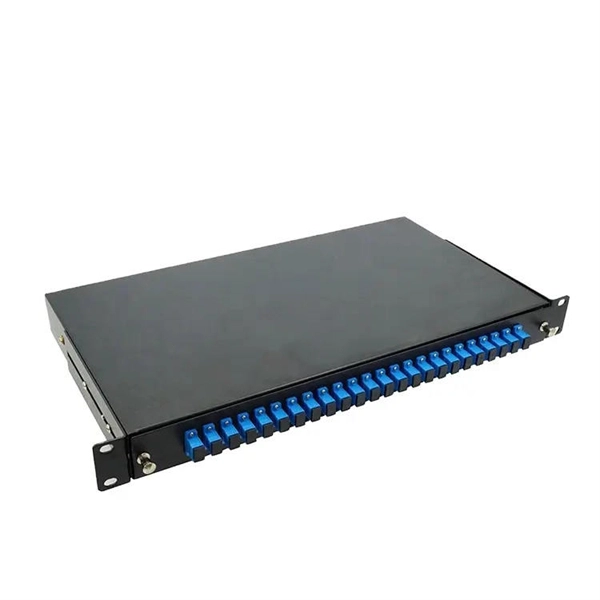
400-meter fiber optic router setup
To set up your router for fiber internet quickly, connect the router to your fiber modem, access the router's settings via a web browser, and input the provided ISP credentials. Make sure to update the firmware, configure Wi-Fi security, and customize your network name for...
[PDF Version]
-
Dual Fiber Optic Interface Router Setup
How to Connect Fiber Optic Cable to Router: A Step-by However, setting up a fiber optic connection to your router can seem daunting if you're unfamiliar wi.
[PDF Version]
-
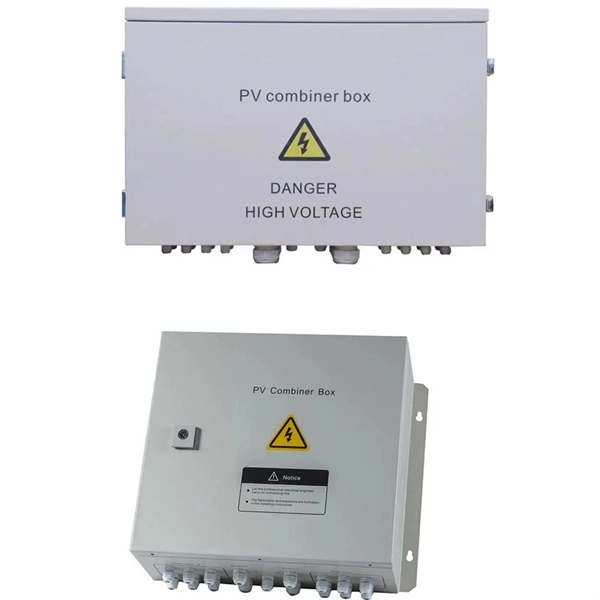
Router cable management bracket
No-drill router bracket + outlet holder + cable management box: tackle. Say goodbye to the hassle of drilling! this drill-free router mount features a po.
[PDF Version]
-
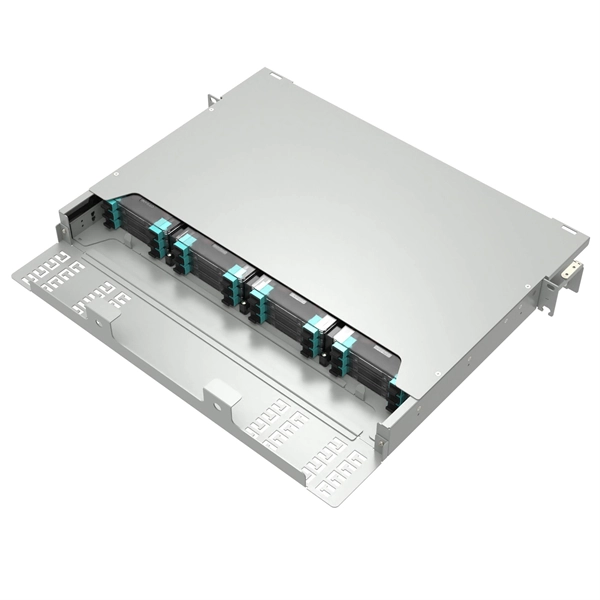
Router fiber optic light is blue no internet connection
If your router is on, as indicated by the blue light, but you can't access the internet, the best way to resolve the issue is to perform a hard reset. This process clears all caches, refreshes the RAM, and restarts the router. When issues like signal loss, slow speeds, or...
[PDF Version]
Explore the next connection
- Can fiber optic cables be connected to fiber optic cables
- How to use cable trays to locate conduits in CAD
- Price List for Intelligent QSFP28 Optical Modules for Data Center Interconnection
- Optimal values for optical fiber splicing
- Belarusian Blue Laser Diode Module
- Protection of Small Distribution Boxes
- Recommendations for Selecting Single-Mode and Dual-Mode Fiber Optic Fibers
- The function of straight bends in cable trays
- Passive Optical Component Suppliers