
Fiber connection and distribution references
How to Connect a Fiber Optic Cable to a Router
Connect fiber internet correctly. Learn the essential hardware bridge and sequential steps needed to link the optical line to your router.
How to Connect Fiber Optic Cable to Router: Complete Guide 2025
By following this detailed guide, you''ve not only learned how to connect fiber optic cable to router properly but also how to optimize and maintain that connection for peak performance.
How to Connect Fiber Optic Cable to Router: A Step-by-Step Guide
However, setting up a fiber optic connection to your router can seem daunting if you''re unfamiliar with the process. In this guide, we''ll walk you through how to connect a fiber optic...
So, I accidentally pulled the fiber cable from the wall while
A few years ago when AT&T installed my fiber I asked them for a extra fiber cable in case I broke it. They gave me one at no extra charge and I still got it in one of my draws.
Fiber Optic Troubleshooting Guide: Problems, Tools
Learn how to troubleshoot fiber optic cables with common problems, a step-by-step process, essential tools, and proven solutions for stable network
Fiber ONT Troubleshooting
Optical Network Terminal (ONT) troubleshooting guide: Tackling common glitches, step-by-step fixes, and preventive care for fiber-optic internet.
I got fiber optic internet and found this on the side of my
Since the fiber comes into the house, they would need to cut the fiber and patch in a box to do man in the middle. It becomes much more challenging for a typical non-state hacker.
Fiber Network Troubleshooting – Common Issues & Fixes
Learn how to troubleshoot fiber networks. Identify common issues like high loss, dirty connectors, and signal drops, with practical solutions for optical links.
Fiber Optic Cable to Router: Step-by-Step Guide
Master connecting a fiber optic cable to your router with tips, setup instructions, and configuration for optimal internet connectivity.
Fiber Troubleshooting | CenturyLink
Is your fiber internet not working right? Troubleshoot common issues and ways to improve your Fiber Internet connection from CenturyLink.
Connecting Your Unifi UDM Dream Machine Directly to Your Fiber
You sign up for fiber internet, you''ve already got a perfectly good router - a Ubiquiti Dream Machine (Unifi UDM) - and all you want is to plug the optics plug straight into it.
How to Fix LOS Red Light on PLDT, Globe and
Unplug and Inspect the Fiber Optic Cable Although rare, a loss of signal can happen due to a broken cable or wire. In some cases, the fiber optic
The Comprehensive Guide to Fiber Termination Boxes
Fiber Termination Boxes organize and protect fiber optic cables, ensuring reliable, high-speed network connections in challenging environments.
Fiber Internet Installation Guide | BroadbandSearch
The fiber is threaded through and the hole is sealed around the cable with a wall plate installed on the interior side. Mounting the ONT: The fiber is connected to the Optical Network
Akaras gyxtw armored optical cable | solder-free sc
The standard diagonal pliers require extra effort to deal with the 6mm armored layer. it is recommended to prepare a special fiber optic shear with serrations (a few dozen yuan), or directly
Fiber-optic cable
A fiber-optic cable, also known as an optical-fiber cable, is an assembly similar to an electrical cable but containing one or more optical fibers that are used to carry light. The optical fiber elements are
Openreach equipment in your home | ONT Box, Fibre
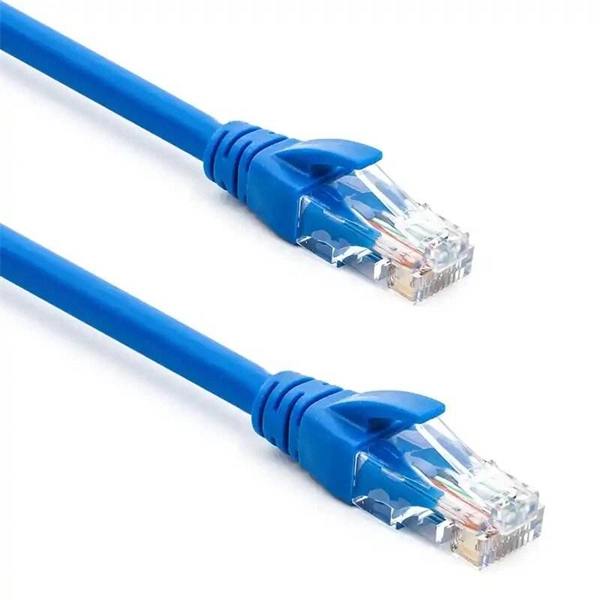
You plug your broadband router into the ONT using a standard ethernet cable. The ONT will have at least one ethernet port (sometimes labelled ''LAN'' or ''Data''),
Fiber Optic Internet Installation Guide | Verizon Business
Follow our fiber optic internet installation guide for businesses and set up high-speed connectivity with ease. Ensure a smooth transition to fiber. Learn more now!
Related Video Reference
This video was associated with the source search result. Verify technical details against current product documentation and project requirements.