
Set Up Your Own Router At Home
Search optical fiber, connectivity, cable management and network infrastructure references.
-
How to set up a router via cable
For best results, place your router near your modem. Connect to the STARLINK network from your device WiFi settings. Open the Starlink App > Settings > Router > enter. Before you can set up your wireless network, here's what you'll need: Broadband Internet connection and...
[PDF Version]
-
How to set a static IP address on a fiber optic router
How to Set Up a Static IP Address: A Step-By-Step GuideSetting one up is straightforward once you know which address to use, what gateway and DNS settings.
[PDF Version]
-
How to set up a 200M fiber optic Netgear router
Connect the fiber optic cable from your ISP to the ONT (Optical Network Terminal) provided. Power on all devices and configure your router for the internet connection. Setting up a router doesn't have to feel like deciphering a foreign language. With our step-by-step guide...
[PDF Version]
-
How to set up a fiber optic main router
Fiber Internet Installation: Step-by-Step Guide (2026)Get fiber internet installation done right for your home or business. Enjoy lightning-fast speeds and.
[PDF Version]
-
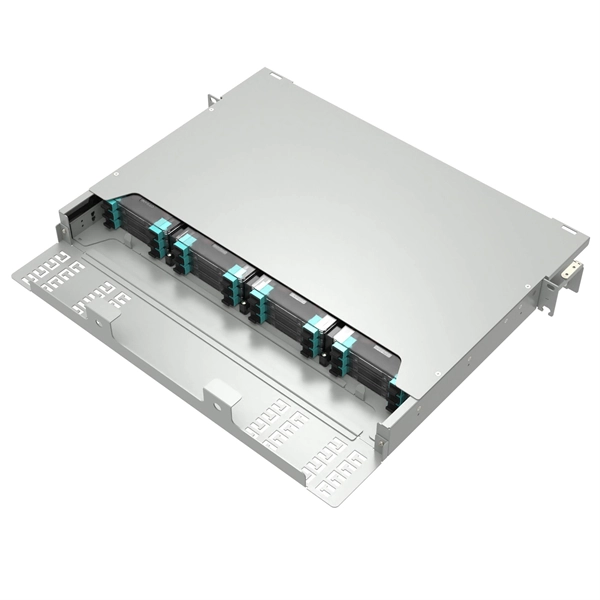
Router fiber optic light is blue no internet connection
If your router is on, as indicated by the blue light, but you can't access the internet, the best way to resolve the issue is to perform a hard reset. This process clears all caches, refreshes the RAM, and restarts the router. When issues like signal loss, slow speeds, or...
[PDF Version]
-
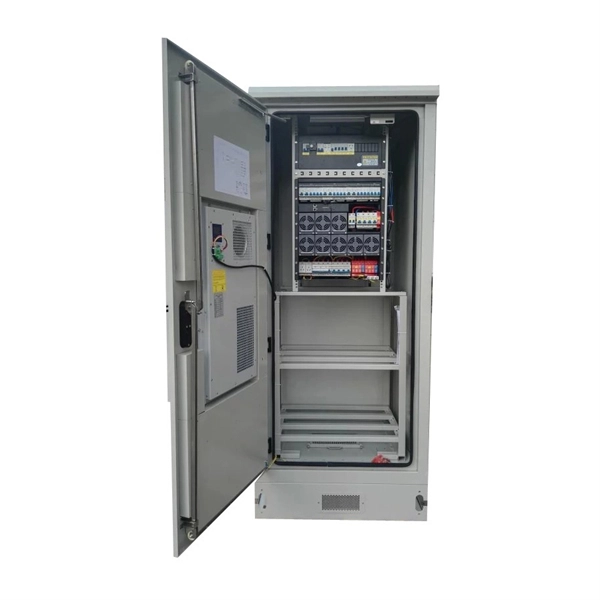
Router settings for simultaneous ADSL and fiber optic connections
Within the router's settings, look for the “load balancing” or “link aggregation” section. Enable this feature and select the two internet connections you want to combine. An unlimited. Yes, you can connect two routers to one fiber modem, but understanding the 'how' and 'why'...
Explore the next connection
- Do cables need cable tray protection
- Single-mode optical transceivers for multimode optical cables
- Integrated Power Supply Product Positioning
- Eyes on the Distribution Box
- Introduction to the Functions of the Stepper Dimming Module
- Direct Sales of 400G Coherent Optical Modules
- How to connect jumper wires for cable trays
- Principle of 10 kV Optical Fiber Communication Cable
- Is a 1U fiber optic patch panel a 12-port cable