
Reset Router To Factory Default Settings
Search optical fiber, connectivity, cable management and network infrastructure references.
-
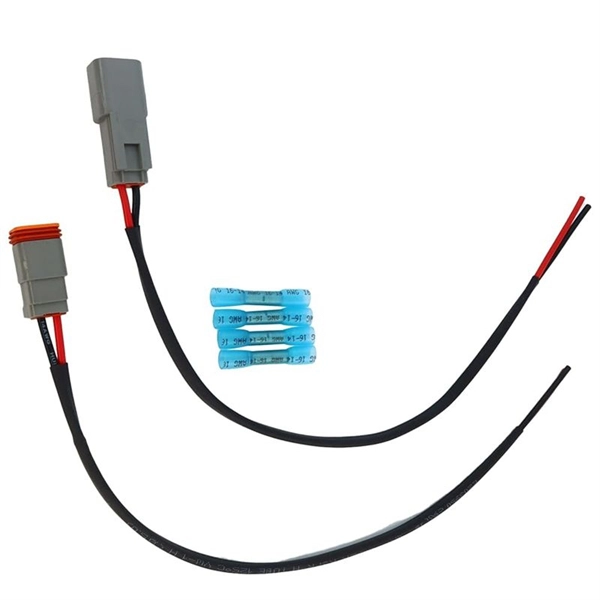
Fiber Optic Cable After Router Factory Reset
Check Fiber Cables : Look for visible damage, sharp bends, or loose connectors. Clean Connectors : Use lint-free wipes and isopropyl alcohol to remove dust or oil. Resetting your fiber internet router can be an effective solution to fix various connection issues. It is...
[PDF Version]
-
Router settings for simultaneous ADSL and fiber optic connections
Within the router's settings, look for the “load balancing” or “link aggregation” section. Enable this feature and select the two internet connections you want to combine. An unlimited. Yes, you can connect two routers to one fiber modem, but understanding the 'how' and 'why'...
-
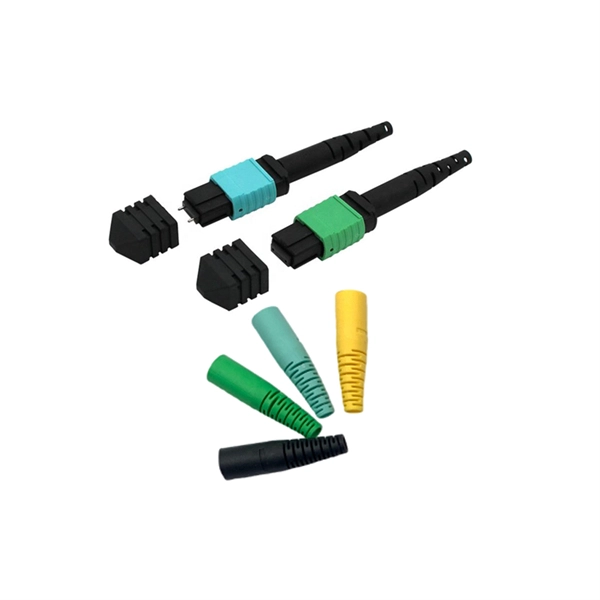
Restore Fiber Optic Router to Initial Settings
Locate the reset button on the back or bottom of the router. " With the router powered on, insert a paperclip, pen tip, or SIM card tool into the pinhole. Resetting helps resolve slow speeds, connection drops, security concerns, forgotten passwords, and configuration problems...
[PDF Version]
-
Industrial power distribution box sales factory
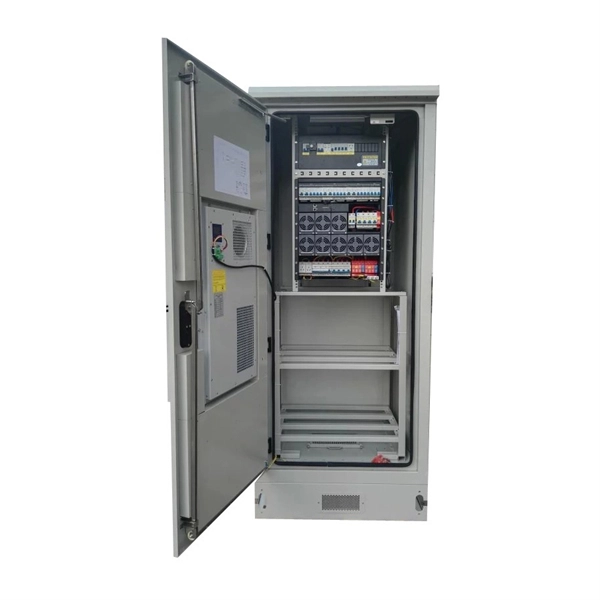
Buy power distribution boxes in bulk online from 10 verified wholesale power distribution boxes suppliers, manufacturers (OEM, ODM & OBM), distributors, and factory lists on Global Sources. ZCEBOX is an experienced and reliable manufacturer of low-voltage electrics, producing...
-
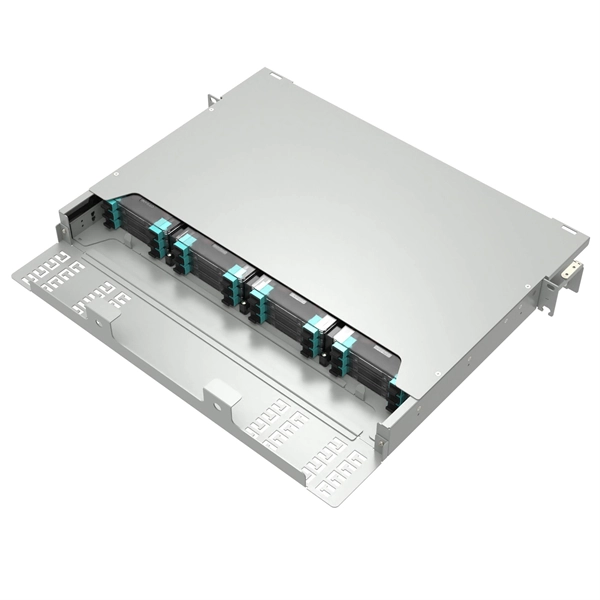
Router fiber optic light is blue no internet connection
If your router is on, as indicated by the blue light, but you can't access the internet, the best way to resolve the issue is to perform a hard reset. This process clears all caches, refreshes the RAM, and restarts the router. When issues like signal loss, slow speeds, or...
[PDF Version]
-
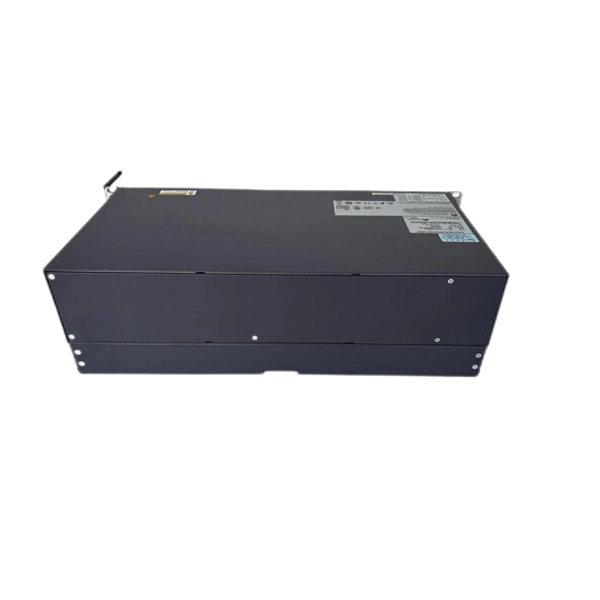
Is a dual gigabit router necessary with a 100Mbps fiber optic connection
The short answer is no, you don't necessarily need a special router for fiber optic internet. With 100M optical fiber broadband, can I change the gigabit router to increase the network speed? In fact, when you are using 100M broadband, changing to a gigabit router can not...
[PDF Version]
-
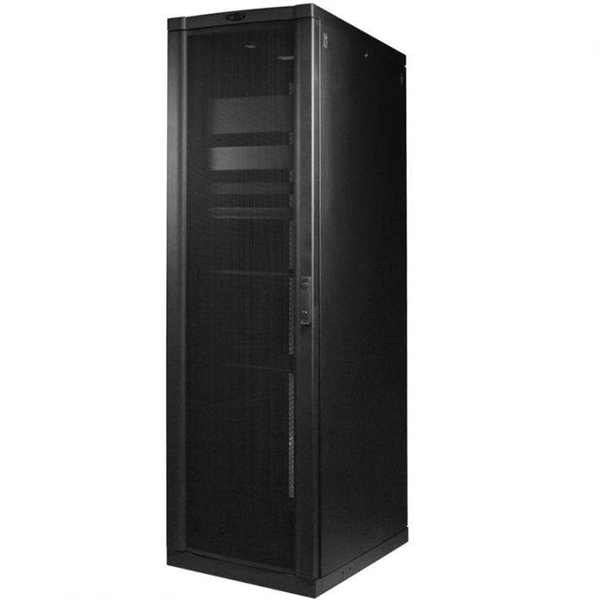
Saudi Arabia 400G Optical Router
Juniper Networks announced that Saudi Arabian telecommunications company stc will implement Juniper 400G routers in its core network and selected data centres to support the expansion of its 5G network to cover 75 cities and regions in Saudi Arabia. According to Juniper, stc...
[PDF Version]
Explore the next connection
- Overview of Micro-Module Computer Room Implementation
- Fiber optic fusion splicing to connect routers
- Huawei switch cannot receive optical signal
- What transceiver should be used for a beam splitter
- Does a household electrical distribution box need a grounding wire
- Low Energy Loss Solutions for UK Telecommunication Sites
- Microgrid and Distribution Network Automation
- Calculation of Relay Protection Settings in Local Power Systems
- Fiber optic cable core has a total of layers