
Internet Router Icons And Symbols
Search optical fiber, connectivity, cable management and network infrastructure references.
-
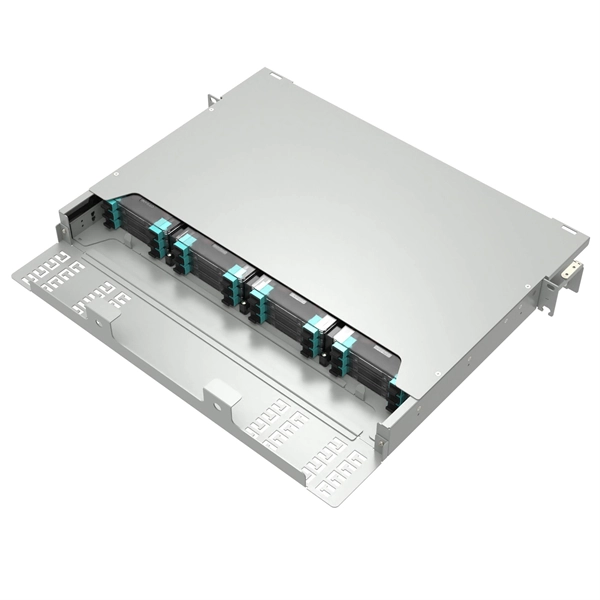
Router fiber optic light is blue no internet connection
If your router is on, as indicated by the blue light, but you can't access the internet, the best way to resolve the issue is to perform a hard reset. This process clears all caches, refreshes the RAM, and restarts the router. When issues like signal loss, slow speeds, or...
[PDF Version]
-
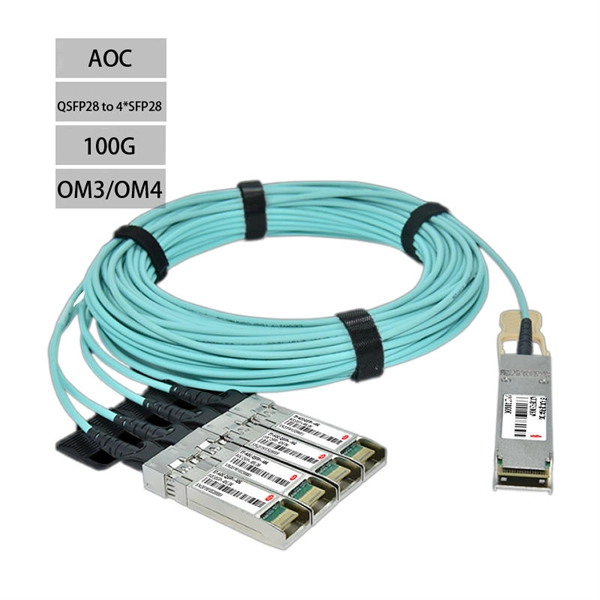
Internet access with router and fiber optic module
Complete Guide to Fiber Optic Home Networking | BroadbandSearchBuild a home fiber network for 1-2 Gbps speeds with this complete guide to installation, tro.
[PDF Version]
-
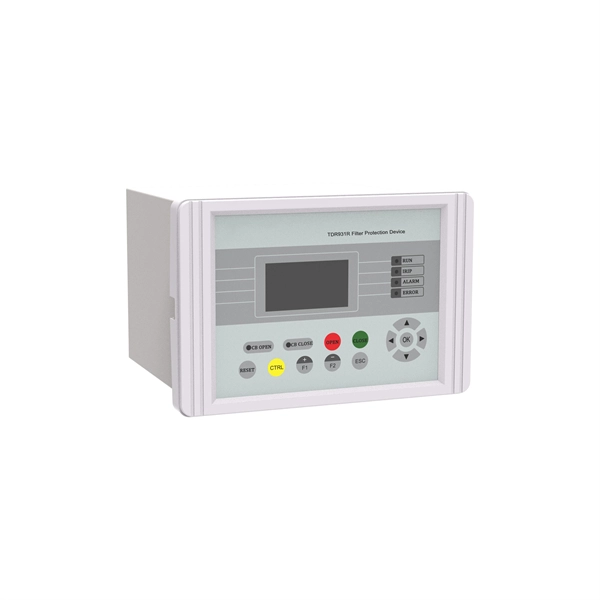
Energy Internet Power Router
In order to manage ef ciently the energy supply and demand in the power grid, energy routers are required which adjust dynamically the energy distribution in the grid, which is so called the Energy Internet. Energy routers serve as a natural medium for infor-mation...
[PDF Version]
-
Why can t my fiber optic router connect to the internet
Fiber Network Troubleshooting – Common Issues & FixesLearn how to troubleshoot fiber networks. Identify common issues like high loss, dirty connectors, and.
[PDF Version]
-
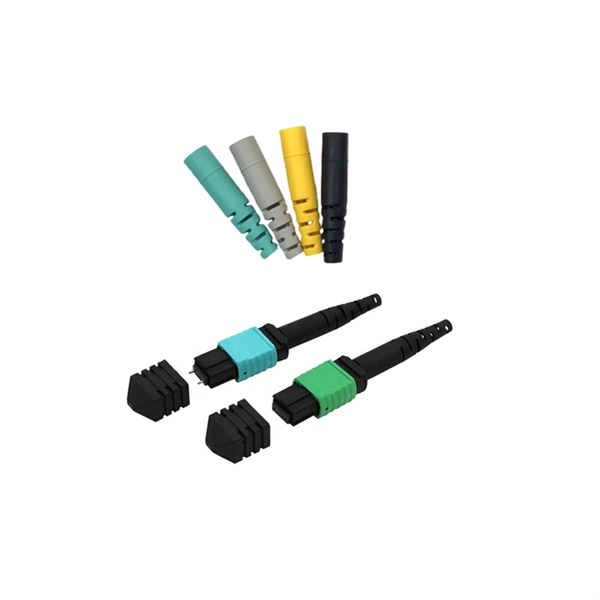
Does the Router 11ac support gigabit fiber optic internet
Yes, you can use your own router with fiber internet, as long as it has a Gigabit Ethernet WAN port to connect to your ISP's Optical Network Terminal. Upgrading to a Wi-Fi 6 or 6E router helps you get the full benefit of symmetrical fiber speeds. Fibre-optic full gigabit...
[PDF Version]
-
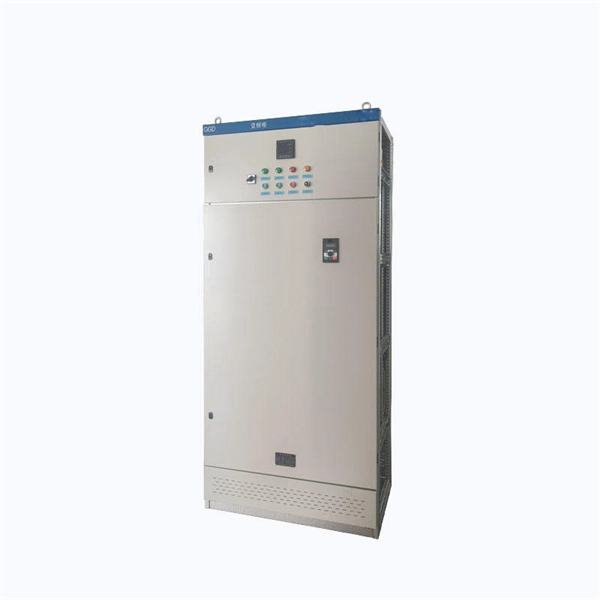
No internet connection due to fiber optic or blue light source on router
Most common internet issues can be fixed by simple steps like restarting devices, checking cables, enabling Wi-Fi, or updating firmware. Router status lights, often referred to as LED indicators, are small lights on the front panel of your router. Typically, these lights...
[PDF Version]
-
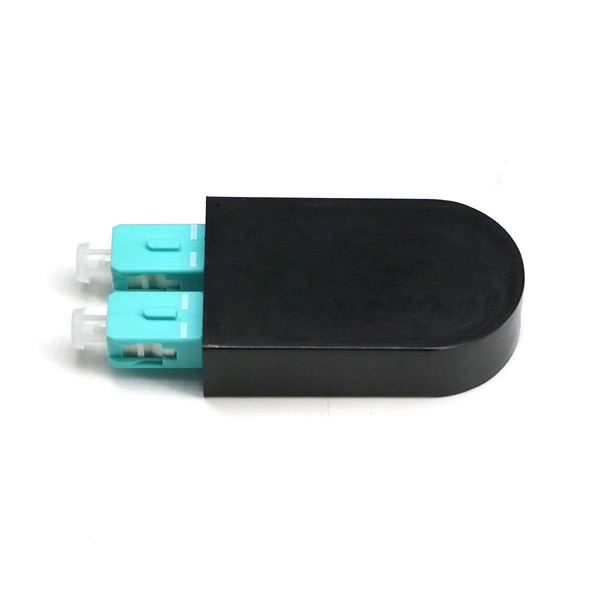
Setting up a router with China Unicom fiber optic internet connection PPPoE
In the location or address line of your Web browser, type 254 to access the Configuration Utility. Click Primary Setup and then Change. Select PPP Over Ethernet and click Save. If you've purchased this device and don't know where to start, don't worry. Follow these steps and...
[PDF Version]