
How To Set Up A Kvm Switch Step By Step
Search optical fiber, connectivity, cable management and network infrastructure references.
-
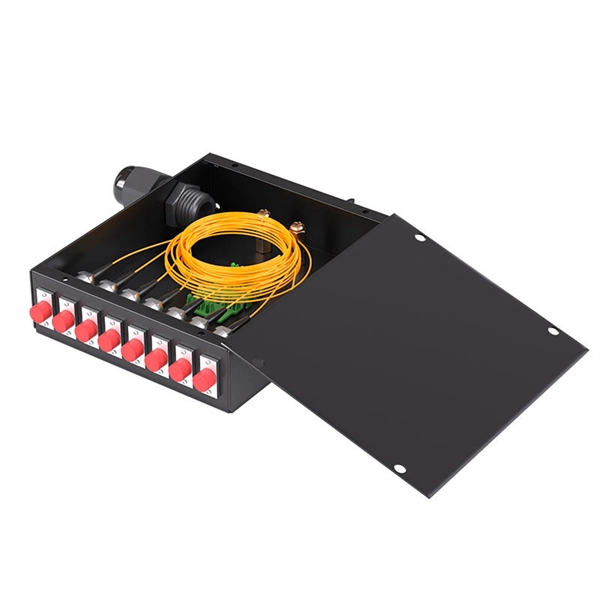
How to wire the transfer switch in the distribution box
Learn how to wire a single phase distribution box with an ATS (Automatic Transfer Switch) in this step-by-step tutorial. This video covers the complete wiring process, safety tips, and how ATS switches work in a residential or small commercial setup. Perfect for electricians...
[PDF Version]
-
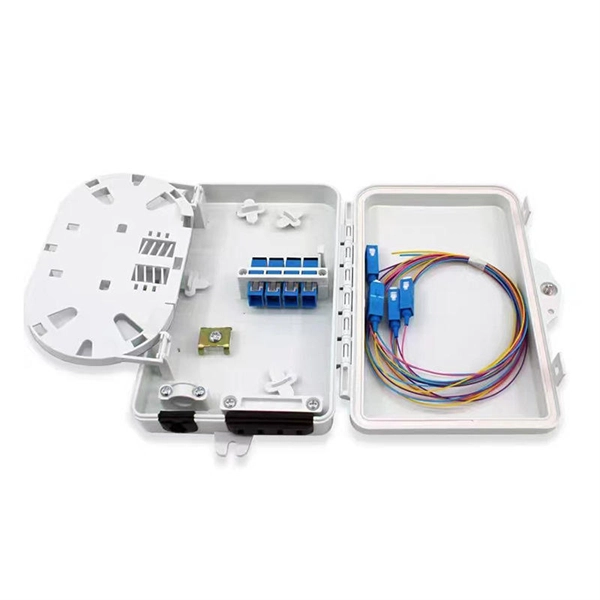
How to disconnect the power from the distribution box switch
At the main supply find the main switch that controls the supply to that DB. Place a padlock through the switch where possible, to lock it in the off. A disconnect box is a localized manual shutoff switch designed to isolate power to a fixed appliance, such as an air...
-
How to connect a managed switch to a network
If you're using a managed switch, here's how to configure it: Connect your PC to the switch using an Ethernet cable. Follow these simple best practices to set up a new network switch. Just plug your devices into the switch using Ethernet cables, power it up, and—if...
-
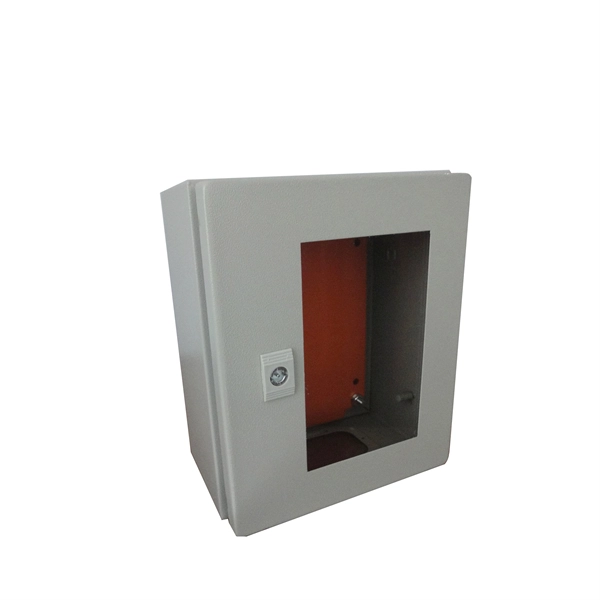
How to debug a core switch connected to an OLT
Configure the debugging and maintenance terminal for the serial interface. Whether you're managing a large ISP or setting up a lab, this collection will help you quickly deploy, diagnose, and optimize your optical access network. The undo anti-rogueont command disables...
[PDF Version]
-
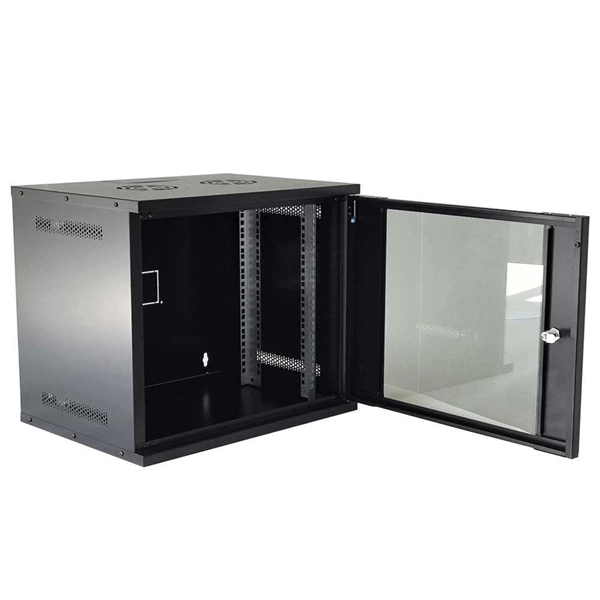
How many IP addresses are appropriate for an industrial switch
0 subnet provides 254 usable addresses for your devices. While MAC addresses are burned into the hardware at the factory, the IP address is something you, the engineer, must define and manage. This flexibility is powerful because it allows you to group devices logically by...
[PDF Version]
-
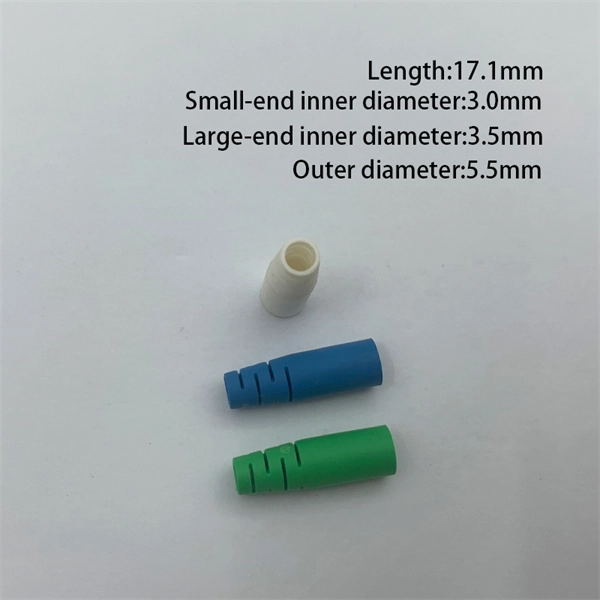
How many cables are needed to connect the fiber optic cable to the switch
SFP transceiver modules almost always require two fiber optic cable strands. Fiber optic patch cords are fiber cables terminated with connectors on both ends, used to establish optical connections between devices or between devices and patch panels. They can be categorized...
[PDF Version]
-
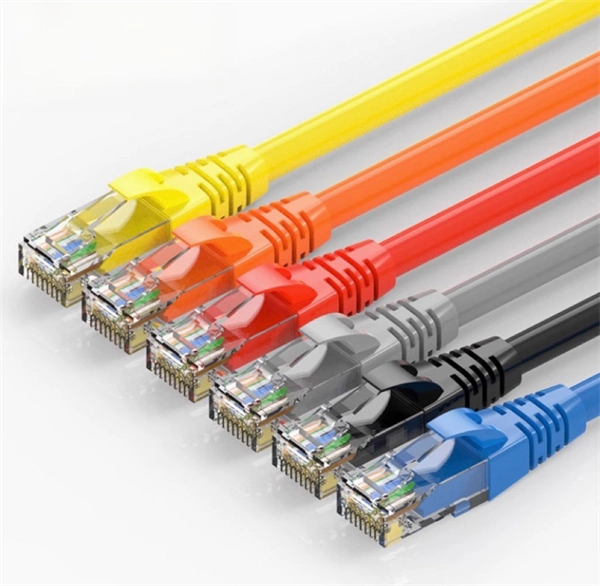
How to use the KVM switcher box
There are two methods to control the KVM Switch for PC switching: using the Face-Panel Push Buttons or Hotkey Commands. The Face-Panel Buttons allow a direct control over PC port switching; simply press the button to switch PC port. The technology is commonly used wherever...
[PDF Version]
Explore the next connection
- Analysis of Reasons for No Light Output from the Spectrometer
- National Standard for Hybrid Optical and Fiber Cables
- Sealing Putty Distribution Box Manufacturer
- Fiber Tail Cable Management Process
- The distribution box is in normal use
- Where are the bridges in Democratic Republic of Congo
- West Africa Bridge Bend
- Can the socket distribution box be used outdoors
- Electrical distribution boxes in hazardous locations