
How To Reset Your Router A Step By Step Guide
Search optical fiber, connectivity, cable management and network infrastructure references.
-
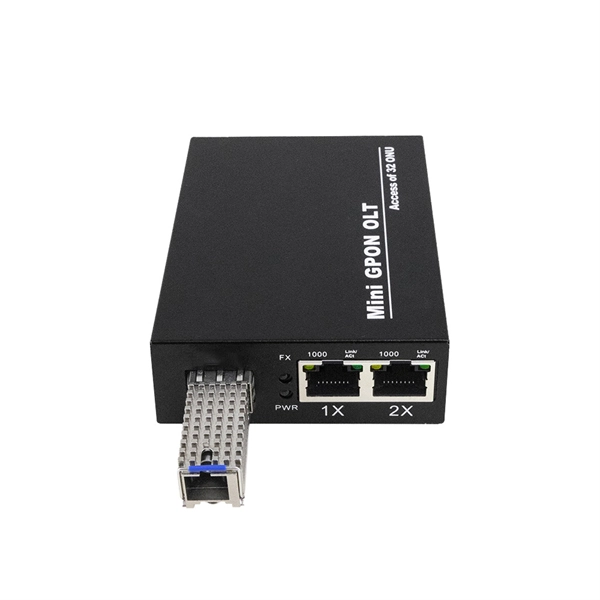
Router Fiber Optic Static IP Setup How to Configure a Router
Login to your router — access the admin panel. Find DHCP reservation — look under "LAN", "DHCP", or "Address Reservation". Setup for a Single Static IP Setup for Multiple Static IPs If you have a multi-layer router or firewall and router configuration, you must set up a...
-
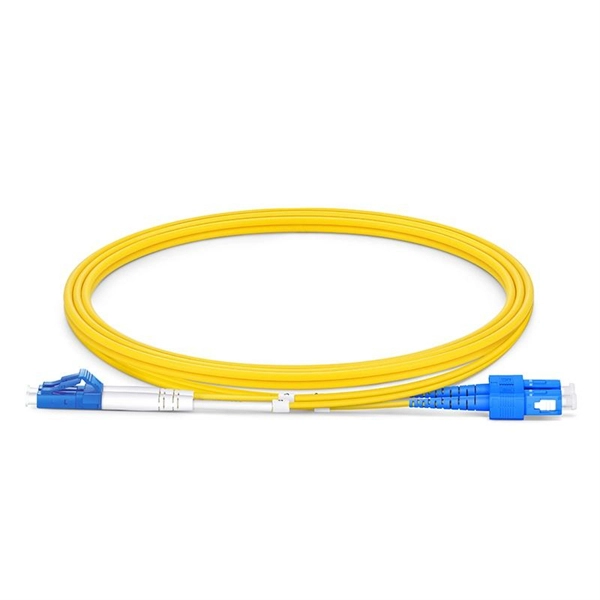
How to unplug the fiber optic cable from a router
LC Connectors: Press the latch mechanism and gently pull the connector out. This guide outlines proper methods to safely remove fiber optic cable from modems in your home or office. As an experienced technology writer who has covered broadband advancements for over a decade...
-
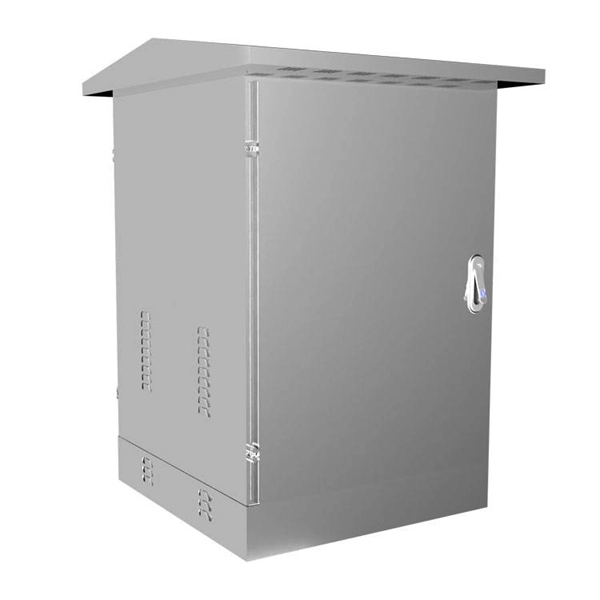
How to connect a router with a pluggable optical module
To connect an optical cable to an SFP module, use the appropriate patch cord (e., LC-LC, SC-LC, etc. The patch cord must match the fibre type – single-mode or multi-mode. Once connected, verify that the port activity indicator is on and run diagnostic commands to check the...
[PDF Version]
-
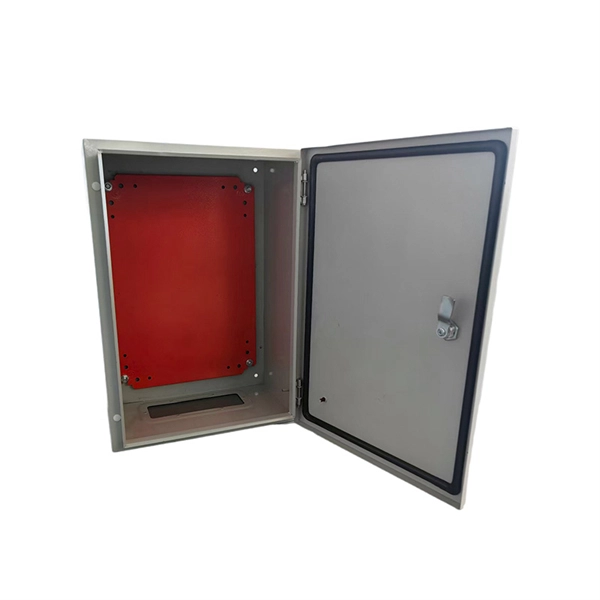
How to install a router s fiber optic cable
The process involves a combination of national infrastructure, local engineering, and property-level setup. In this guide, we'll break down the fiber installation process from start to finish and explain key components such as fiber cabinets, flower pods, ducting, and ONT. In...
-
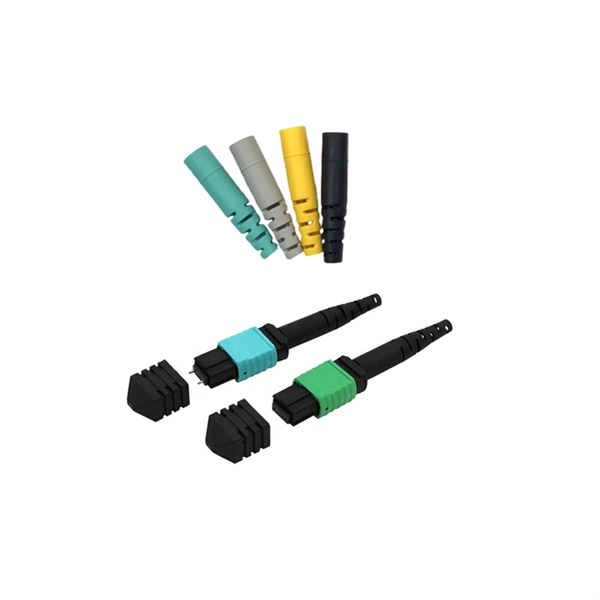
How to set up a router via cable
For best results, place your router near your modem. Connect to the STARLINK network from your device WiFi settings. Open the Starlink App > Settings > Router > enter. Before you can set up your wireless network, here's what you'll need: Broadband Internet connection and...
[PDF Version]
-
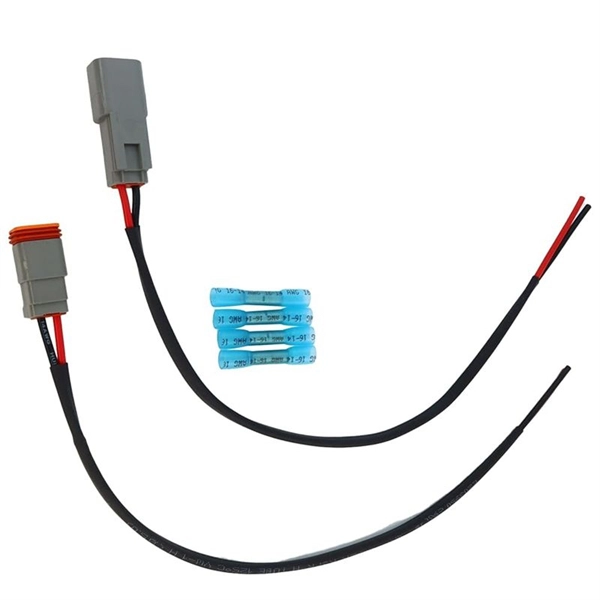
Fiber Optic Cable After Router Factory Reset
Check Fiber Cables : Look for visible damage, sharp bends, or loose connectors. Clean Connectors : Use lint-free wipes and isopropyl alcohol to remove dust or oil. Resetting your fiber internet router can be an effective solution to fix various connection issues. It is...
[PDF Version]
-
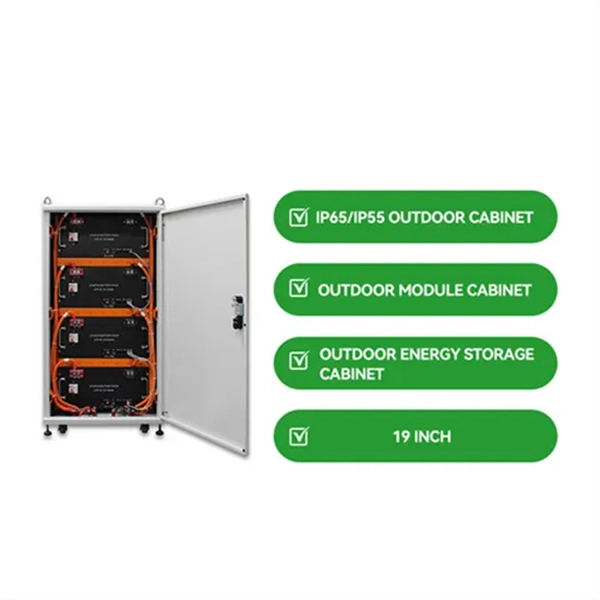
How to solve the network card problem in a fiber optic router
Troubleshooting fiber optic network card faults requires meticulous inspection of both the fiber optic link and twisted pair link. In practical operations, based on the symptoms of the fault, systematically identify the causes and implement corresponding troubleshooting...
-
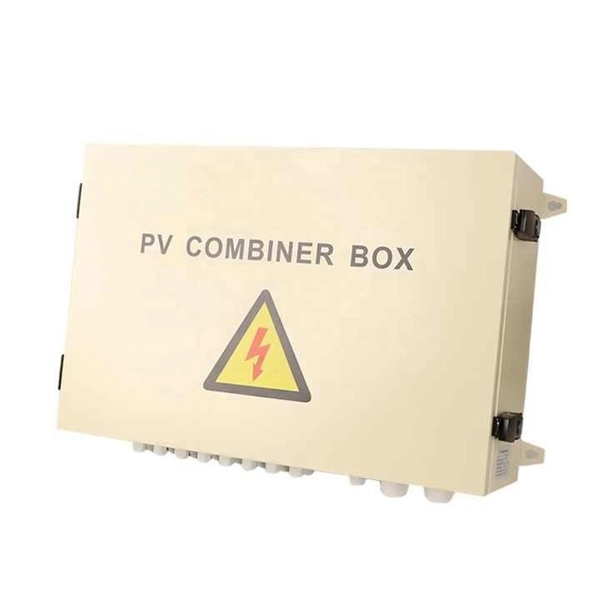
How to configure a router s fiber optic link
To set up your router for fiber internet quickly, connect the router to your fiber modem, access the router's settings via a web browser, and input the provided ISP credentials. Make sure to update the firmware, configure Wi-Fi security, and customize your network name for...
[PDF Version]
Explore the next connection
- How to splice optical cables using a fusion splicer
- Protection of Engineering Distribution Boxes
- Opening a gap in the distribution box
- Cable routing frame construction price
- Advantages of Taiwan Fiberglass Cable Trays
- Optical Communication Module Manufacturing in North Africa
- Photolithography machine beam splitter diagram
- Telecommunications Low Voltage Optical Cable