
How do you configure router settings?
Sometimes, the network settings on your PC aren't enough for your needs. If you need access to remote management or your IP address, you can log in...
Search optical fiber, connectivity, cable management and network infrastructure references.
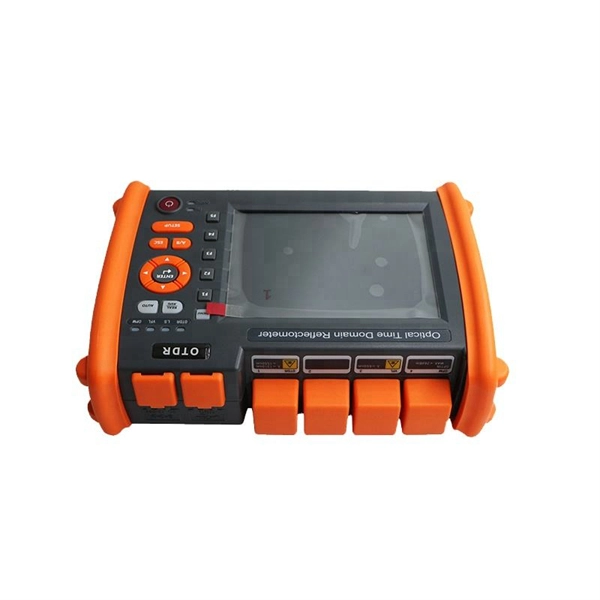
Step-By-Step Guide: How to Connect Switch to Router and Configure. Knowing how to connect switch to router is quite essential to enter the ethernet netwo.
[PDF Version]Sometimes, the network settings on your PC aren't enough for your needs. If you need access to remote management or your IP address, you can log in...
You use a gigabit ethernet cable, sometimes called a crossover cable, to connect a router to a switch. Since crossover cables are pretty short, you...
Having a wired connection gives you access to gigabit speeds of up to 1 gigabit per second (Gbps) or 1000 megabits per second (Mbps). While Wi-Fi f...
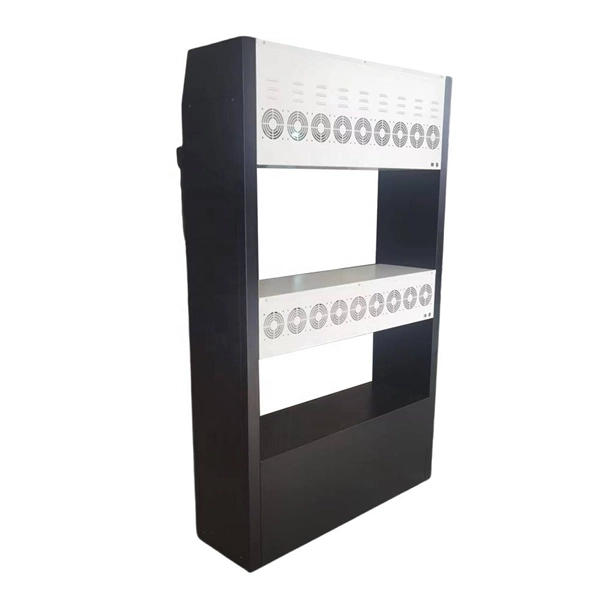
If you're using a managed switch, here's how to configure it: Connect your PC to the switch using an Ethernet cable. Follow these simple best practices to set up a new network switch. Just plug your devices into the switch using Ethernet cables, power it up, and—if...
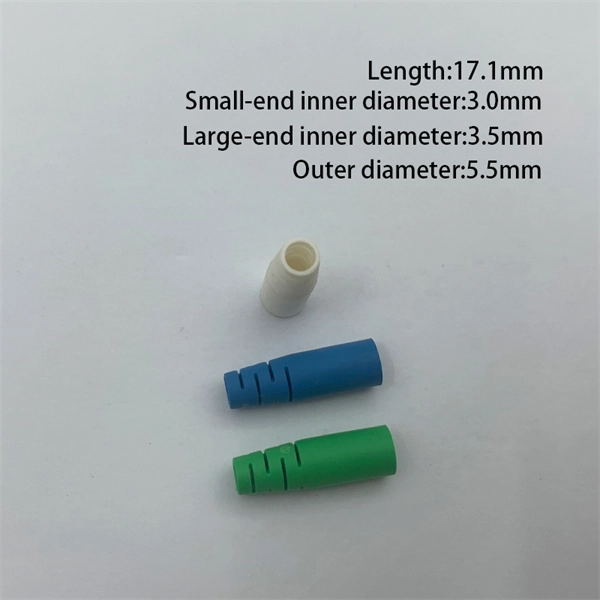
SFP transceiver modules almost always require two fiber optic cable strands. Fiber optic patch cords are fiber cables terminated with connectors on both ends, used to establish optical connections between devices or between devices and patch panels. They can be categorized...
[PDF Version]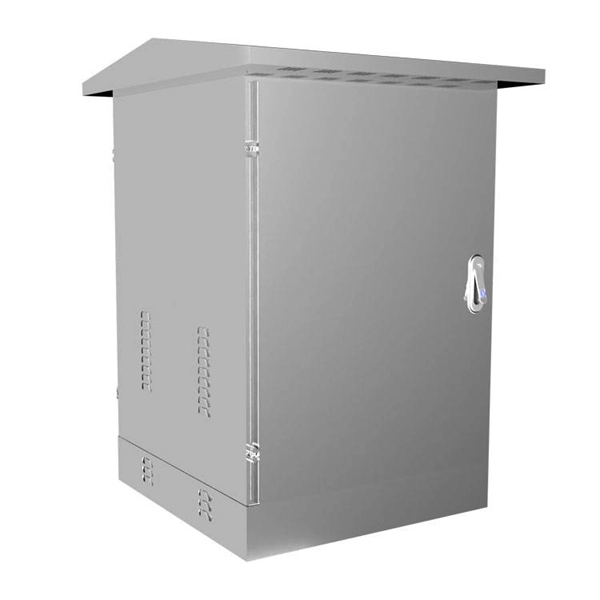
To connect an optical cable to an SFP module, use the appropriate patch cord (e., LC-LC, SC-LC, etc. The patch cord must match the fibre type – single-mode or multi-mode. Once connected, verify that the port activity indicator is on and run diagnostic commands to check the...
[PDF Version]
How To Connect Fiber Patch Panel To Switch Connecting a fiber patch panel to a switch is a critical step in setting up a fiber optic network. Here are some.
[PDF Version]
Fiber Optic Switch Guide: Definition, Connection Methods, Cabling. A practical B2B guide explaining what a fiber optic switch is, how to connect fiber op.
[PDF Version]Share the fiber interfaces, termination capacity, cable route and evidence required for handover.