
How Do Network Cabinets Work
Search optical fiber, connectivity, cable management and network infrastructure references.
-
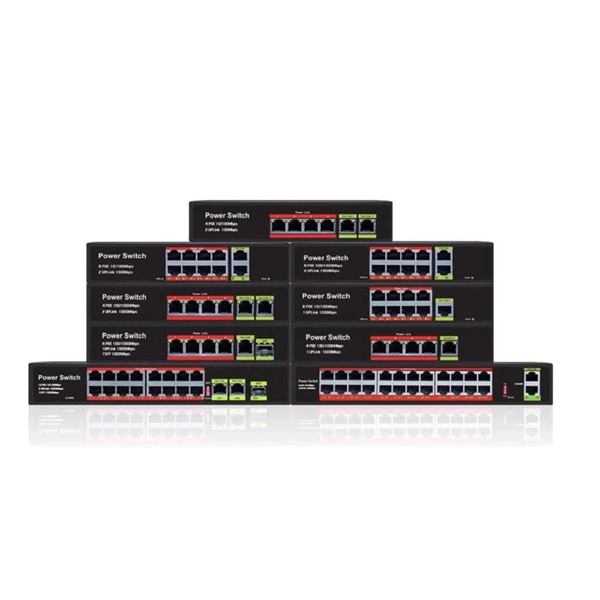
How to arrange network cabinets
Network Cabinet Essentials: Organizing Your Network Proper installation and setup of a network cabinet are crucial for ensuring the longevity and efficienc.
[PDF Version]
-
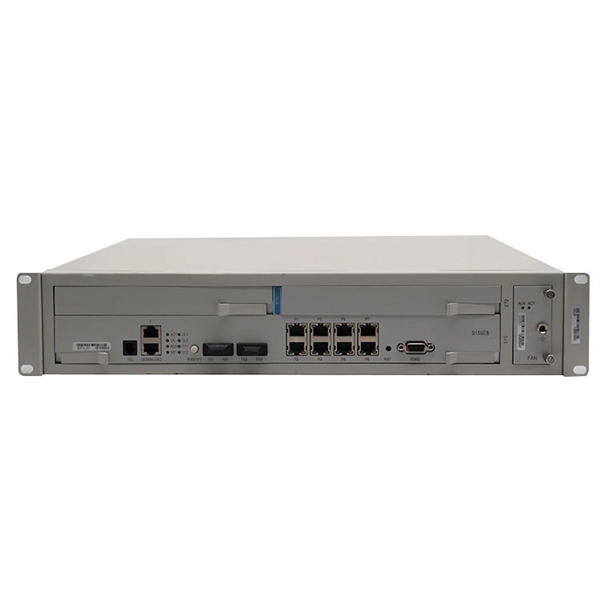
How to manage cables in a small network cabinet
A cable management rack is designed to route, protect, and organize copper and fiber cables inside network cabinets. Beyond keeping cables tidy, a well-structured cable manager reduces cable stress, improves heat dissipation, and ensures bend-radius compliance for data. Poor...
-
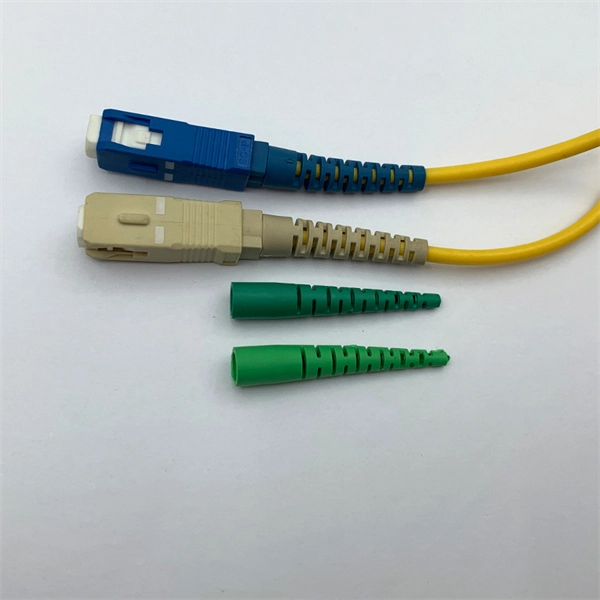
Standard dimensions and specifications of network cabling cabinets
Standard width is 19 inches (EIA-310 compliant), while outer widths vary (e. 5″) to allow space for cable management and airflow. Options include 24″, 36″, 42″, 48″, and 59″. Three key specifications — ANSI/EIA RS-310-D, IEC 60297-2, and DIN 41494 — have defined the...
[PDF Version]
-
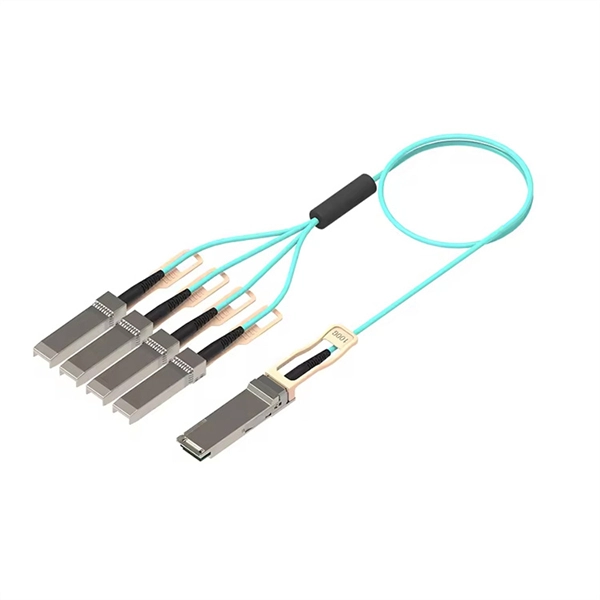
How much does it cost to install a network server rack in a self-built house
In the US, a fully equipped rack can cost anywhere between $15,000 and $50,000 or more, depending on your requirements. This includes multiple servers, which may cost $1,000 to $5,000 each, along with storage systems and networking equipment like switches and routers...
[PDF Version]
-
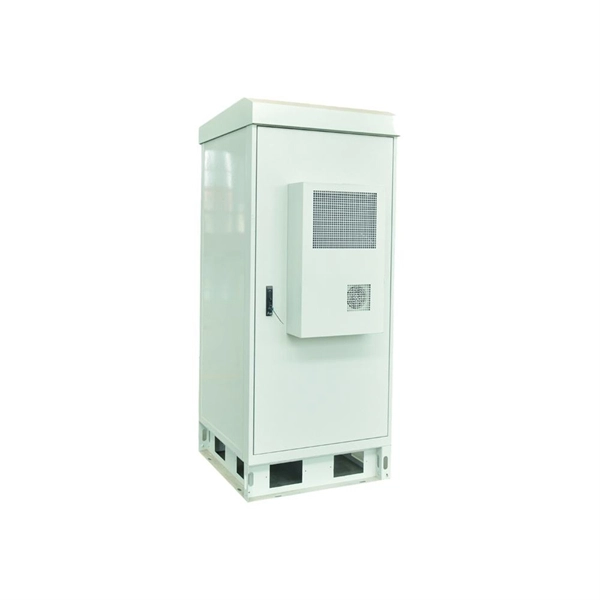
How to install network cabinet clamps
To install, simply peel off any adhesive backing and press the clamp firmly into place, making sure it grips the cable securely. Network cabinet cabling describes the structured connection and arrangement of all IT components in a server rack. The aim is a secure...
[PDF Version]
-
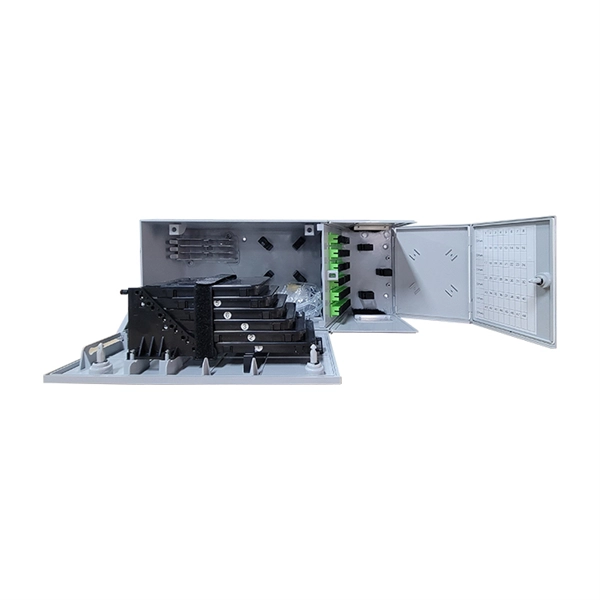
How to use a rotating network patch panel
Here's a quick guide on how to install one: ✅ Step 1: Mount the Patch Panel Secure the patch panel into your network rack or wall mount bracket. ✅ Step 2: Run Your Ethernet Cables Pull your Cat5e/Cat6 cables from each wall outlet or device location to the back of the patch...
[PDF Version]
-
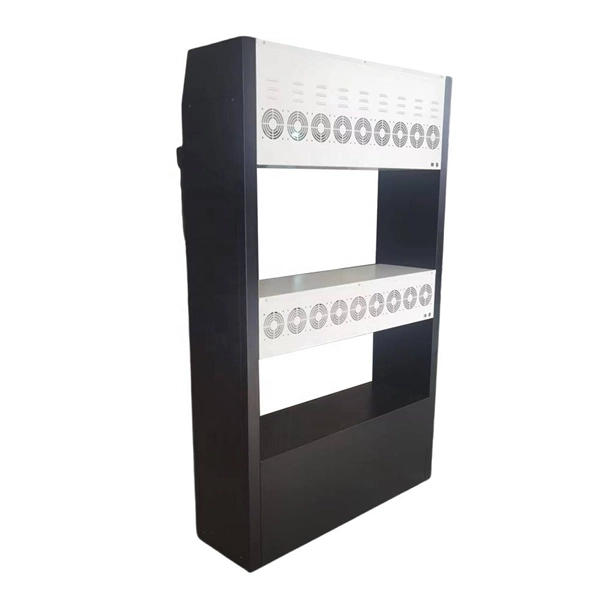
How to connect a managed switch to a network
If you're using a managed switch, here's how to configure it: Connect your PC to the switch using an Ethernet cable. Follow these simple best practices to set up a new network switch. Just plug your devices into the switch using Ethernet cables, power it up, and—if...
Explore the next connection
- How to measure the attenuation of a fiber optic pigtail
- Prices of optical fiber cables and fiber optic cables
- Door-to-door transport of 100G coherent optical modules from Bosnia and Herzegovina
- Fiber Optic Cable Termination Splice Box
- Is the optical module mm multimode
- Pure aluminum optical cable for overhead power lines
- Grounding Requirements for Outdoor Integrated Communication Cabinets