
H3c S1600v2 Switch Series Web Configuration Guide
Search optical fiber, connectivity, cable management and network infrastructure references.
-
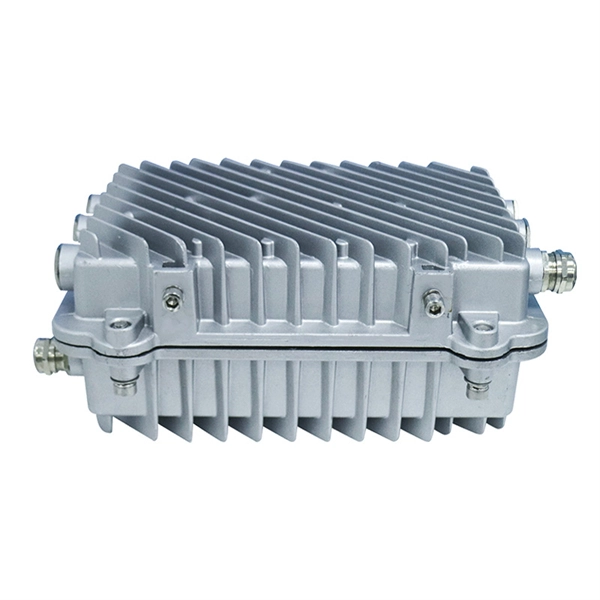
Distribution box switch configuration level
The recommended configuration is: 1 Main Switch: Controls the entire electrical system. X Room Socket Circuits: Each room should have its own circuit to manage regular sockets. In industrial and building electrical systems, the Powbinet, as a core device in the low-voltage...
[PDF Version]
-
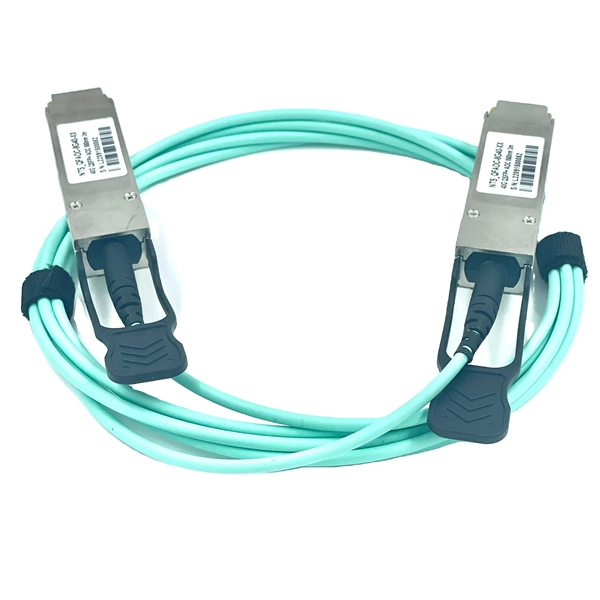
Comparison of Fiber Optic Switch Configuration Modes
Single-Mode Fiber (SMF): Narrow core (8–10 µm) allows only one light mode, minimizing signal loss and enabling long-distance, high-bandwidth transmission. Multi-Mode Fiber (MMF): Wider core (50 or 62. Among the many components that contribute to the efficiency of fiber optic...
[PDF Version]
-
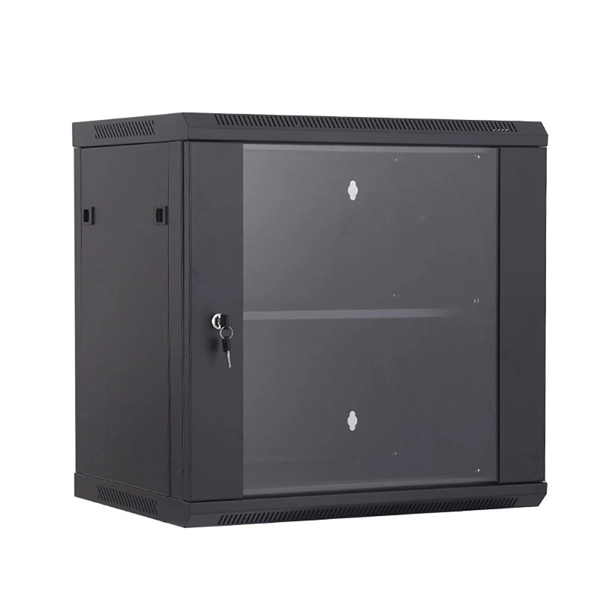
Huijue Industrial Switch Ring Network Configuration
This publication describes DLR network operation, topologies, configuration considerations, and diagnostic methods. Download firmware, associated files (such as AOP, EDS, and DTM), and access product release notes from the Product Compatibility and Download Center at...
[PDF Version]
-
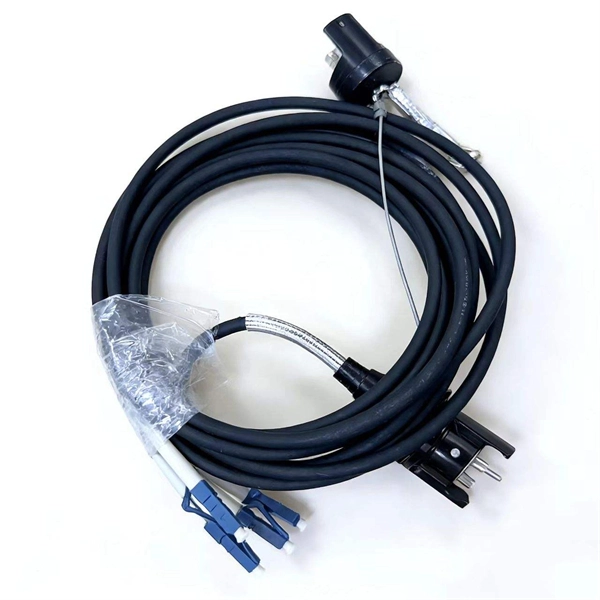
H3C Industrial Grade Switch 8-Port Rack-Mounted
H3C IE4300 series industrial switches offer extensive industrial environmental compliance and certifications, and can be widely used in public transport, traffic management, smart building, and other extreme.
-
H3C Layer 3 Core Switch with 48 Ports
With an impressive switching capacity of 598Gbps and forwarding capacity of 192Mpps, the S5130-54C-HI ensures smooth data handling. Equipped with 48 10/100/1000base-T Ethernet ports and 4 SFP+ ports supporting 10G/1G BASE-X, this versatile switch is ideal for various network...
[PDF Version]
-
Enabling the optical module on an H3C switch
Enable Optical Port: Execute the command combo enable fiber to switch to the optical port. The physical state and link protocol state should now be 'UP', and the 'Media type' should reflect. Optical modules transmit signals over optical fibers. Optical transmission features...
[PDF Version]
-
H3C switch optical port issues
Support When your switch fails, you can use the following methods to troubleshoot the switch: · You can use related commands at the CLI to display device i.
[PDF Version]
-
Huawei switch optical modules and H3C optical modules
OPTICAL MODULES FOR HUAWEI S SERIES SWITCHES A switch must use optical or copper modules that have been certified for use on Huawei switches. Non-certified.
[PDF Version]