
How can one identify a broken fiber optic cable?
To identify a broken fiber optic cable, start by performing a visual inspection for any physical signs of damage, such as bends, cracks, or breaks...
Search optical fiber, connectivity, cable management and network infrastructure references.
If your router is on, as indicated by the blue light, but you can't access the internet, the best way to resolve the issue is to perform a hard reset. This process clears all caches, refreshes the RAM, and restarts the router. When issues like signal loss, slow speeds, or...
[PDF Version]
The short answer is no, you don't necessarily need a special router for fiber optic internet. With 100M optical fiber broadband, can I change the gigabit router to increase the network speed? In fact, when you are using 100M broadband, changing to a gigabit router can not...
[PDF Version]
Fiber optic joints or terminations are made two ways: 1) splices which create a permanent joint between the two fibers or 2) connectors that mate two fibers to create a temporary joint and/or connect the fiber to a piece of network gear. Either joining method must have three...
[PDF Version]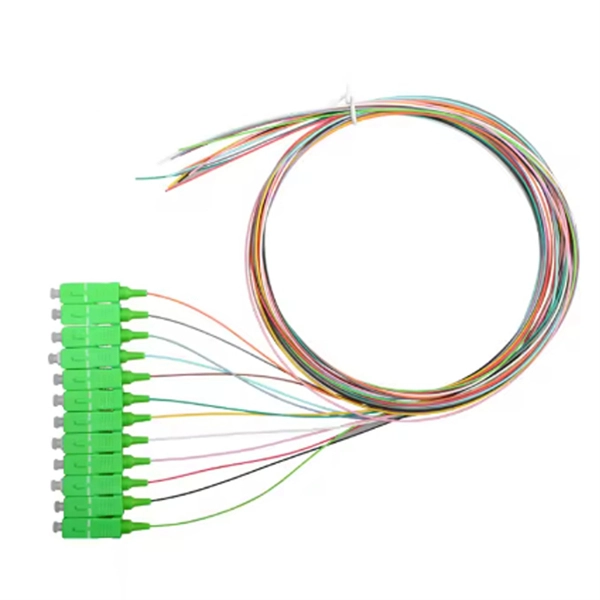
This blog introduces 4 Methods of fiber connections, including: Active Connection, Cold Splicing, Fusion splicing and Physical Connection. Active Connection Active connection utilizes various fiber optic connectors (plugs and sockets) to connect site-to-site or site-to-cable...
[PDF Version]
If you see a “LOS” (Loss of Signal) indicator, verify or restore power to my ONT and check all connections. Power verification through optical performance testing confirms that your connections function. Fiber optic troubleshooting is an essential skill for network...
[PDF Version]To identify a broken fiber optic cable, start by performing a visual inspection for any physical signs of damage, such as bends, cracks, or breaks...
There are several methods to test fiber optic cables without a tester. One method is using a visual fault locator (VFL), as mentioned earlier, to v...
Intermittent fiber optic connections can be caused by a variety of factors, including: Poorly terminated connectors or splices that result in unsta...
Restart Devices : Reboot switches, routers, or media converters to resolve temporary glitches. Check Indicator Lights : A “LOS” (Loss of Signal) LED on transceivers signals connectivity issues. Configuration errors are a hidden culprit:Fiber optic networks are celebrated for...
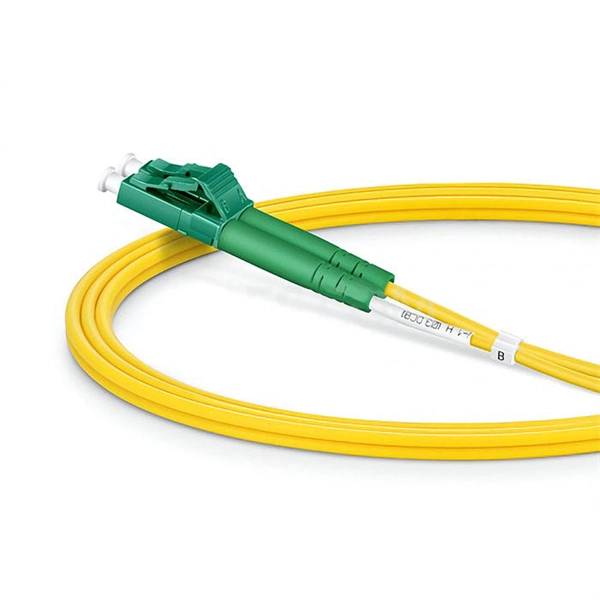
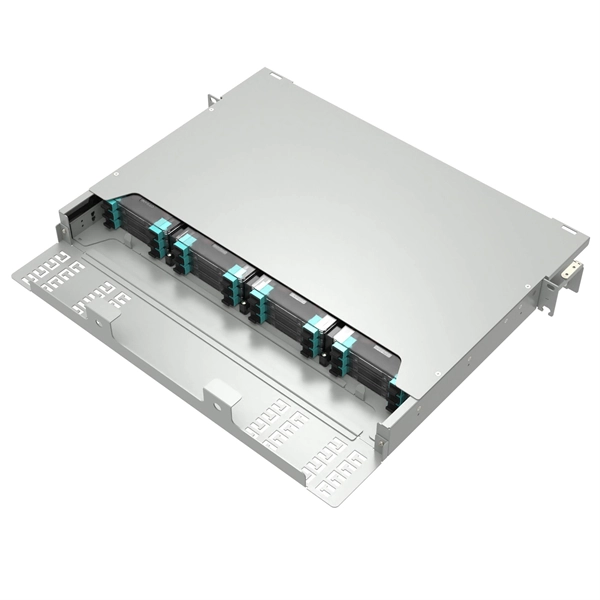
A fiber patch panel is a mounted enclosure—either rack-mounted or wall-mounted—used to terminate, manage, and interconnect multiple fiber optic cables. It acts as a hub for organizing splices and patch cords, streamlining fiber management and preserving signal integrity...
Share the fiber interfaces, termination capacity, cable route and evidence required for handover.