
Core Switches The Backbone Of High Speed Data Networks
Search optical fiber, connectivity, cable management and network infrastructure references.
-
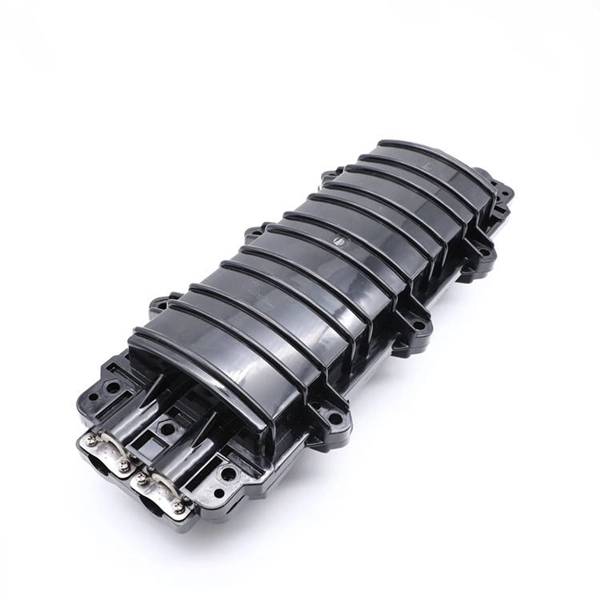
Storm Suppression of Core Switches
Enhanced Storm Control can be enabled on supported switches to suppress Broadcast, Multicast and Unknown Unicast packets based on a percentage of traffic on a given interface. Suppression monitors the bandwidth of each individual switch port every 1 second. Storm control...
[PDF Version]
-
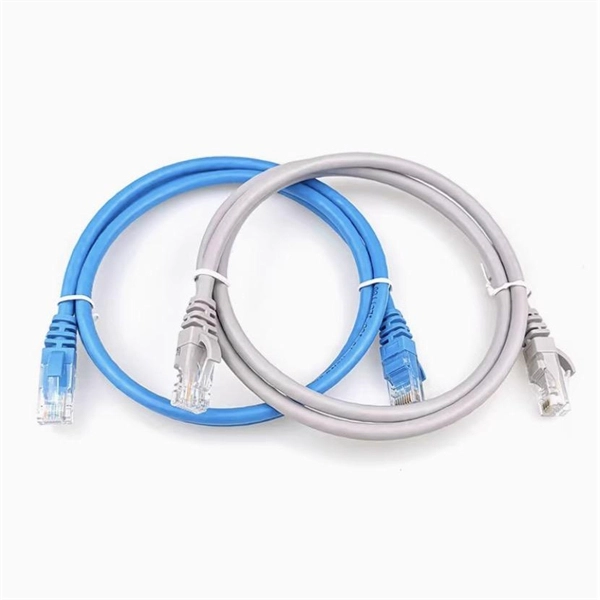
Core switches are not configured with VLANs
One common issue is VLANs not propagating through the network as expected, often due to misconfiguration of VLAN Trunk Protocol (VTP) settings. To address this, verify that all switches are correctly set in the desired VTP mode and that there are no discrepancies in the VTP...
[PDF Version]
-
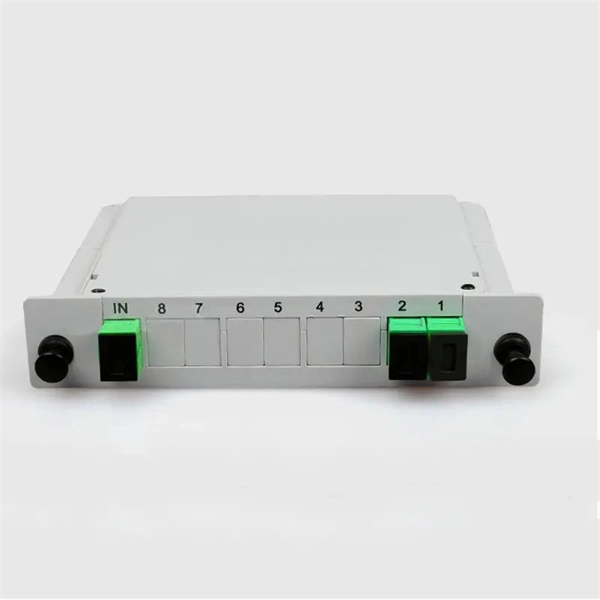
Huawei S2720 Series Core Switches
Huawei S2720-EI switches are well suited for enterprise campus access scenarios, featuring both 100M-to-the-desktop and GE uplink transmission. They provide a mix of 100M and 1000M ports and offer rich Layer 3 routing protocols, high performance, and powerful service...
-
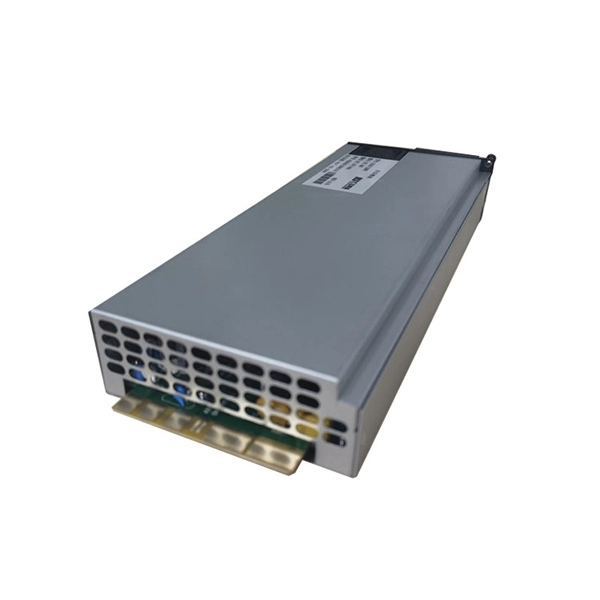
PoE switches have high latency
Therefore, everyone is concerned about whether PoE switches will affect speed. PoE switches provide a stable and reliable network experience through wired connections, avoiding the interference issues of wireless signals. What is Latency? Latency is the time. Power over...
-
Recommended Core Switches for Small Data Centers
For most small businesses a managed Gigabit switch with PoE on some ports is the best choice. If you need higher throughput for servers or virtualization, choose a 10G-capable distribution switch and keep cheaper Gigabit switches at the access layer. HPE and Netgear are...
[PDF Version]
-

Configuring IP on H3C Core Switches
In this video, I have explained the basic configurations of an H3C switch, including: ✅Setting the hostname ✅Creating VLANs ✅Assigning IP addresses to VLAN interfaces ✅Enabling Inter-VLAN communication ✅Configuring the DHCP Server ✅Adding DNS IP in the DHCP server. In this...
[PDF Version]