
Configuring Media Redundancy Protocol Mrp Rings
Search optical fiber, connectivity, cable management and network infrastructure references.
-
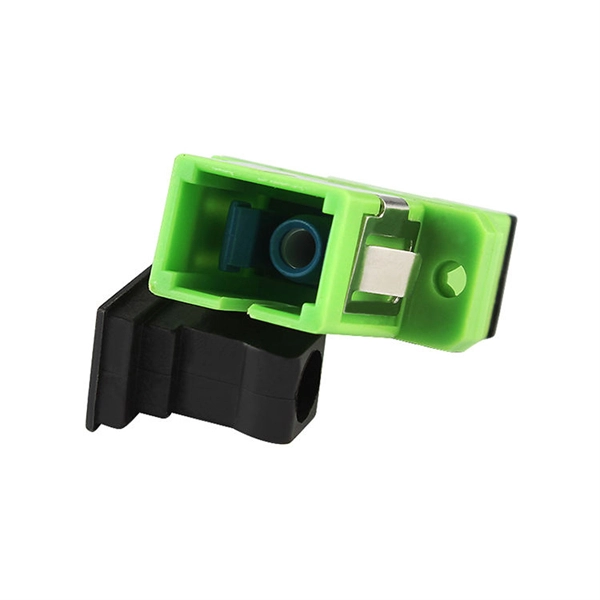
Configuring Aggregation on a Managed Switch
In order to configure 2 or more ports (up to 8) to be a port aggregate, simply navigate to Switching > Monitor > Switch ports and select the target ports, then choose "Aggregate". It is recommended that you do not have the target ports physically connected to anything during...
[PDF Version]
-

Configuring IP on H3C Core Switches
In this video, I have explained the basic configurations of an H3C switch, including: ✅Setting the hostname ✅Creating VLANs ✅Assigning IP addresses to VLAN interfaces ✅Enabling Inter-VLAN communication ✅Configuring the DHCP Server ✅Adding DNS IP in the DHCP server. In this...
[PDF Version]
-
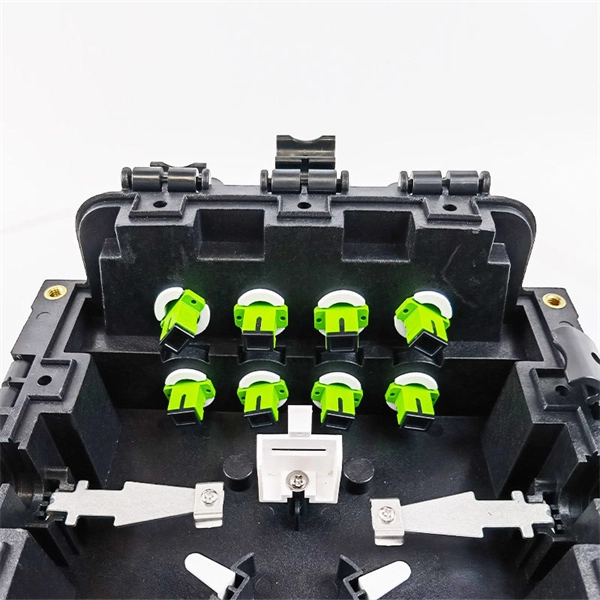
Common steps for configuring core switches
Configuring Cores Core files can be saved either manually by a user or automatically at the time of the fault. If a core file is created, preserve it by co.
[PDF Version]
-
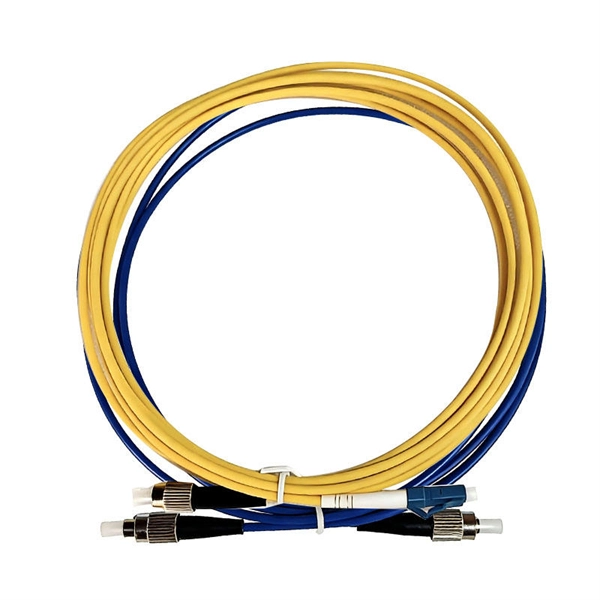
Order of configuring air switches in the distribution box
Common configurations of the air switches in the household The configuration of the air switches in the household distribution box needs to be combined wit.
[PDF Version]
-

Redundancy in cable wiring in distribution boxes
Designing a Redundant Network Wiring Layout: At Horizon Electronics, we specialize in installing structured and redundant network wiring for commercial spa.
[PDF Version]