
Configure Ip Address For Interface In Cisco Switches
Search optical fiber, connectivity, cable management and network infrastructure references.
-
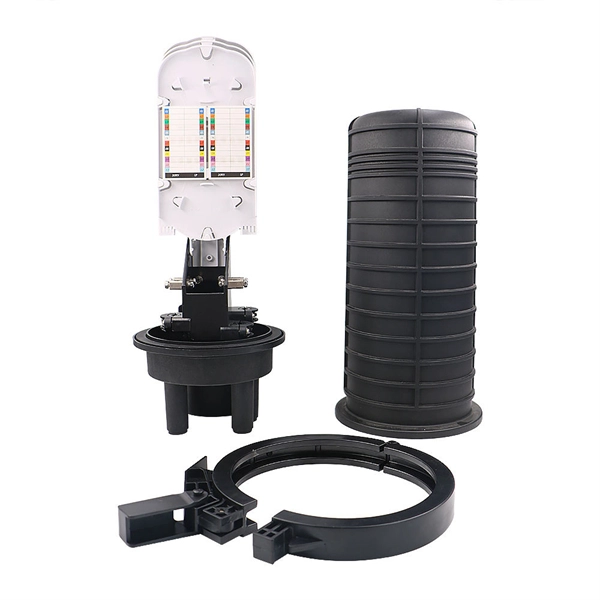
How to configure the IP address on a dual-core switch
Learn how to assign IP addresses to VLANs on a Cisco switch to enable inter-VLAN communication and improve network segmentation. This guide provides a step-by-step walkthrough, including VLAN creation, port assignment, and IP configuration. If there are no DHCP servers...
-
IP address will not be automatically obtained after connecting to the switch
1X, ensure this PC isn't stuck unauthenticated. Confirm you're on the intended VLAN; a mismatch often yields APIPA. Disable Large Send Offload (IPv4/IPv6) and TCP Checksum. If the switch/AP enforces 802. Here we will list some common factors in this article. If LED lights are...
[PDF Version]
-
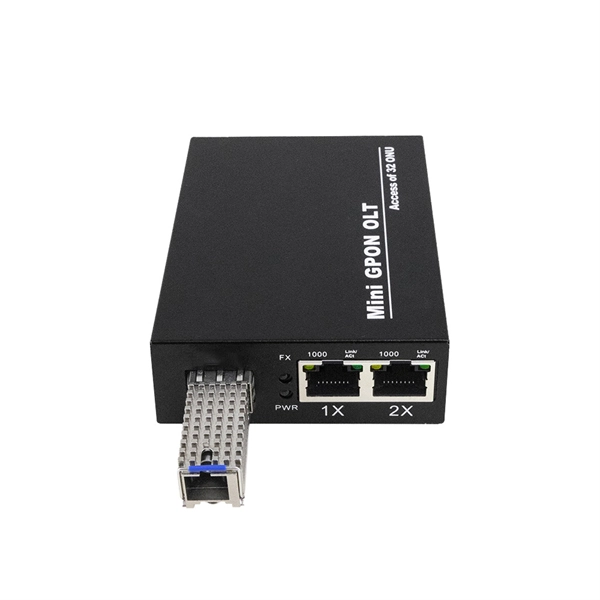
Router Fiber Optic Static IP Setup How to Configure a Router
Login to your router — access the admin panel. Find DHCP reservation — look under "LAN", "DHCP", or "Address Reservation". Setup for a Single Static IP Setup for Multiple Static IPs If you have a multi-layer router or firewall and router configuration, you must set up a...
-
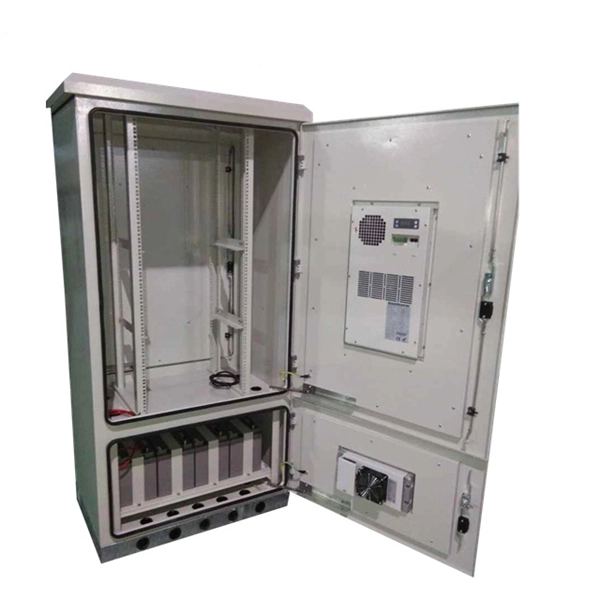
How to configure the fiber optic interface of a switch
How to configure fiber optics on a Cisco switch By following this step-by-step guide, you'll be able to configure your Cisco switch for fiber optics. It's.
[PDF Version]
-
How to set a static IP address on a fiber optic router
How to Set Up a Static IP Address: A Step-By-Step GuideSetting one up is straightforward once you know which address to use, what gateway and DNS settings.
[PDF Version]
Explore the next connection
- How many fiber optic cables does a network switch use
- LPO Single Fiber Bidirectional Original Authentic Product
- Outdoor installation of meter boxes and distribution boxes
- Covered Bridge Walkway
- Why do we need to connect an optical module to the optical port
- Tanzanian High Voltage Complete Equipment IP54 Supplier