
Configure Inter Vlan Routing With Catalyst Switches
Search optical fiber, connectivity, cable management and network infrastructure references.
-
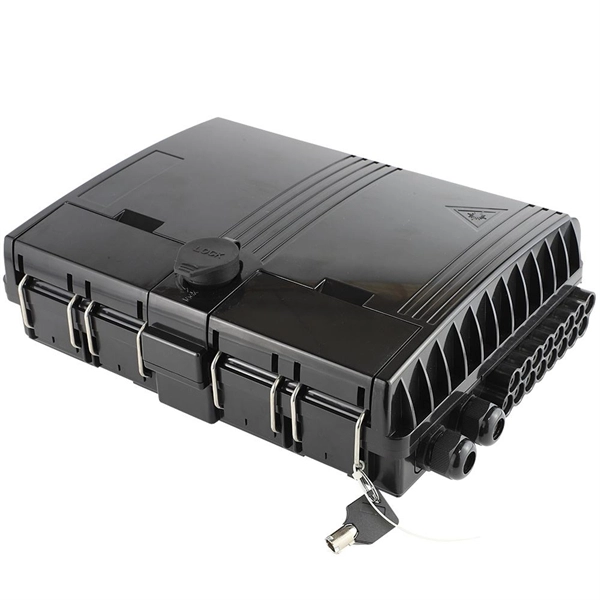
How to configure a commercial power distribution box to look good
Improving the design of an electrical distribution box starts with understanding the application's needs and environment. Custom services let you add overcurrent protection, better sealing against moisture, and modular layouts for future upgrades. Get its layout wrong, and...
[PDF Version]
-
Configure optical module for HBA card
In the deployment example shown in the figure below, the appliance event broker is connected in a point-to-point and non-redundant configuration to the redundant disk controllers of an external disk stor.
-
How to configure an automatic distribution box
Learn how to wire a single phase distribution box with an ATS (Automatic Transfer Switch) in this step-by-step tutorial. Perfect for electricians . Usually if you want such functionality, you'd convert the distribution list to a shared mailbox and configure the autoreply or...
-
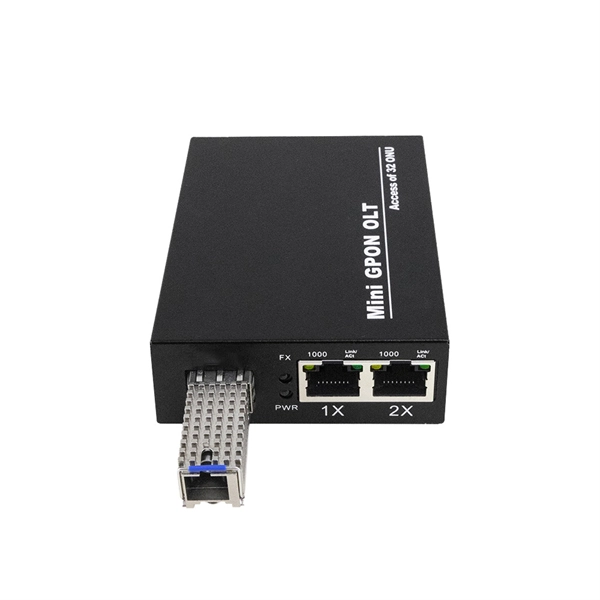
Router Fiber Optic Static IP Setup How to Configure a Router
Login to your router — access the admin panel. Find DHCP reservation — look under "LAN", "DHCP", or "Address Reservation". Setup for a Single Static IP Setup for Multiple Static IPs If you have a multi-layer router or firewall and router configuration, you must set up a...
-
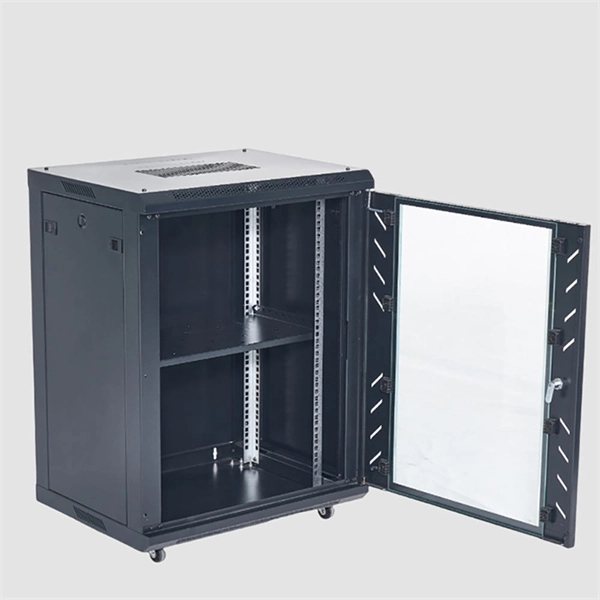
How to configure ARP verification on an access layer switch
Learn how to configure and troubleshoot Dynamic ARP Inspection (DAI) on Cisco switches, including Catalyst 9300 and 9200 series. Understand interface trust states, DHCP snooping integration, ARP ACLs, and best practices for Layer 2 security. These features are particularly...
-
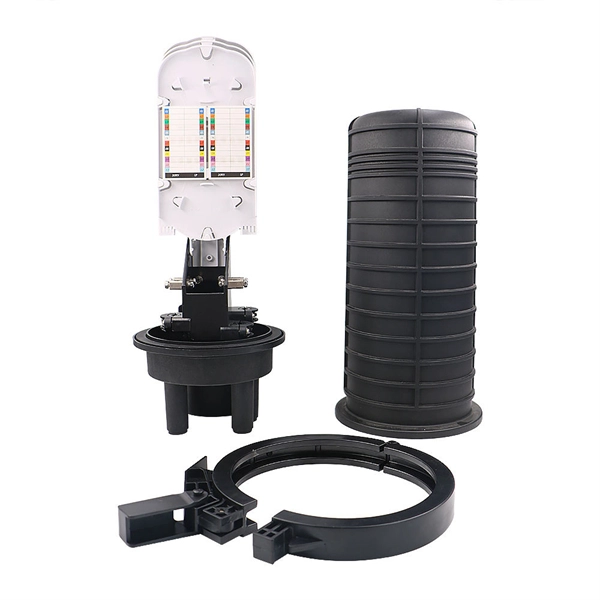
How to configure the IP address on a dual-core switch
Learn how to assign IP addresses to VLANs on a Cisco switch to enable inter-VLAN communication and improve network segmentation. This guide provides a step-by-step walkthrough, including VLAN creation, port assignment, and IP configuration. If there are no DHCP servers...
-
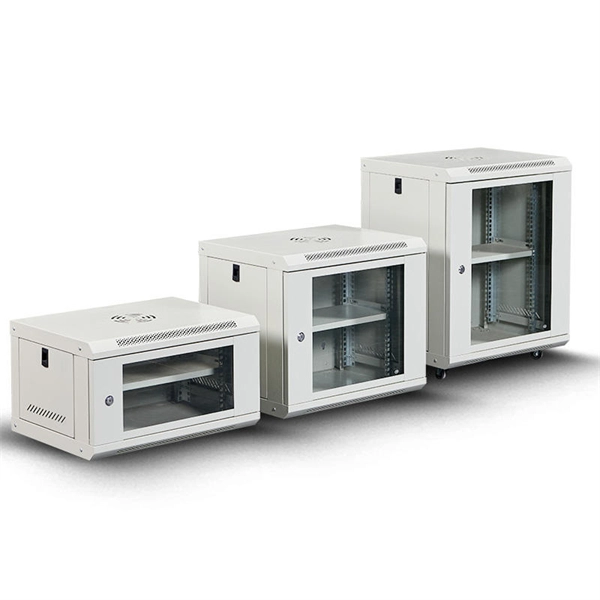
Change routing on core switch
Static routes are manually configured in the routing table. To enable routing and to add routes on a switch, complete the following steps: Set the filter to a group containing at least one switch. Other VFR's are routed on the Firewall. How would you configure the connection...
[PDF Version]
Explore the next connection
- Fiber optic cable manufacturer in the Netherlands
- Uses of 48-pin junction box
- Solid Cable Tray Fabrication
- The role of distributed aggregation point switches
- How to install communication fiber optic cables in a 10kV electrical box
- What industry do passive optical devices belong to
- Fiber Optic Cable Branch Fixing Clip