
Amazon Without Drilling Router Mounting Bracket With Cable
Search optical fiber, connectivity, cable management and network infrastructure references.
-
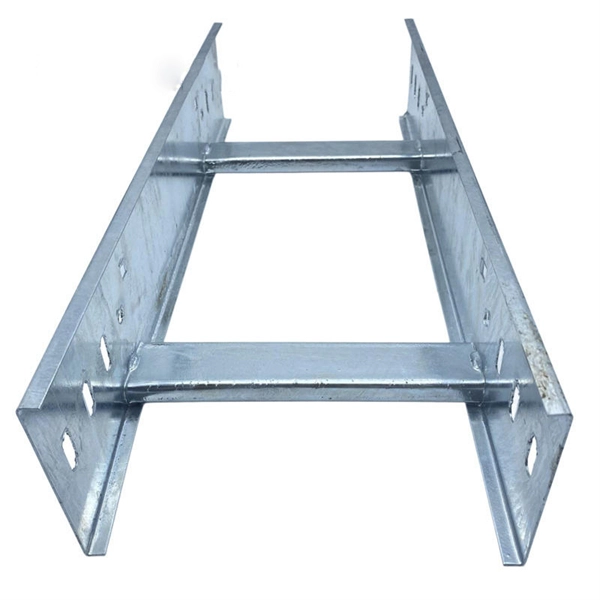
How high should the mounting bracket for the level 3 distribution box be
I recommend mounting the distribution box so controls and breakers are reachable from standing height without a ladder — typically between 1. 6 m to the center of operation for frequent access. How high should I mount a distribution box? What IP rating do I need for outdoor...
[PDF Version]
-
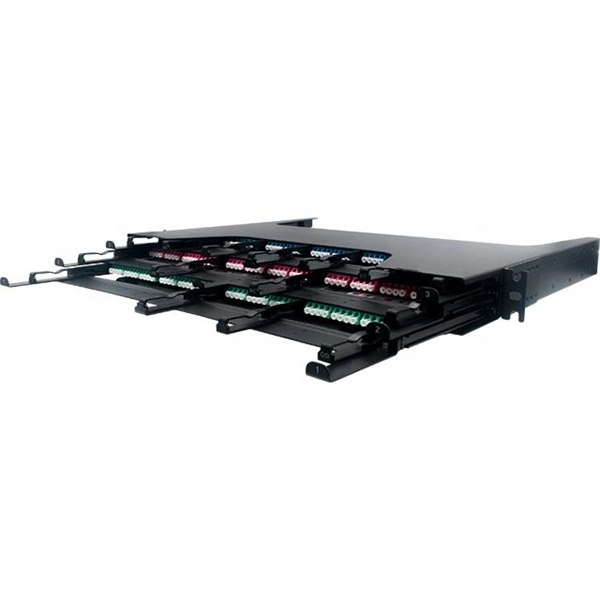
How to install the fiber optic splice box mounting bracket
Wall-mount Splice Box General This document describes the installation of the WSB-48FI wall-mount splice box (Figure 1) manufactured by Corning Optical Com.
[PDF Version]
-
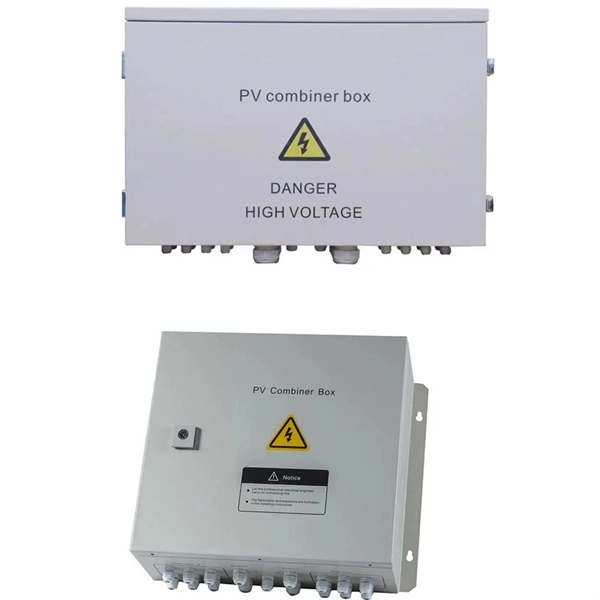
Router cable management bracket
No-drill router bracket + outlet holder + cable management box: tackle. Say goodbye to the hassle of drilling! this drill-free router mount features a po.
[PDF Version]
-
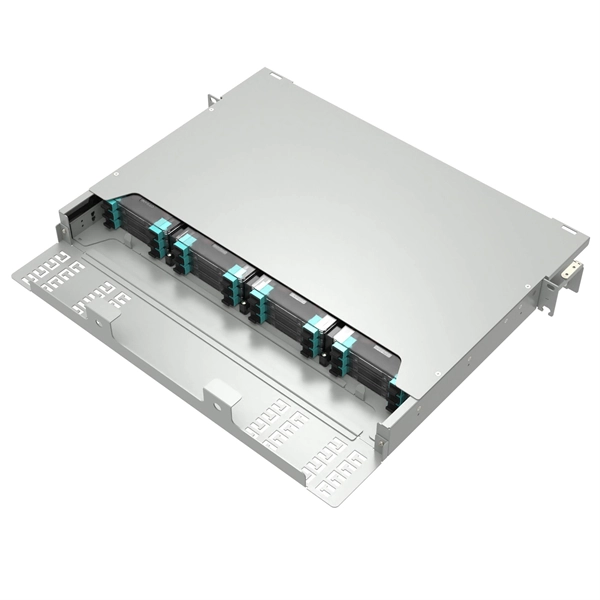
Router fiber optic light is blue no internet connection
If your router is on, as indicated by the blue light, but you can't access the internet, the best way to resolve the issue is to perform a hard reset. This process clears all caches, refreshes the RAM, and restarts the router. When issues like signal loss, slow speeds, or...
[PDF Version]
-
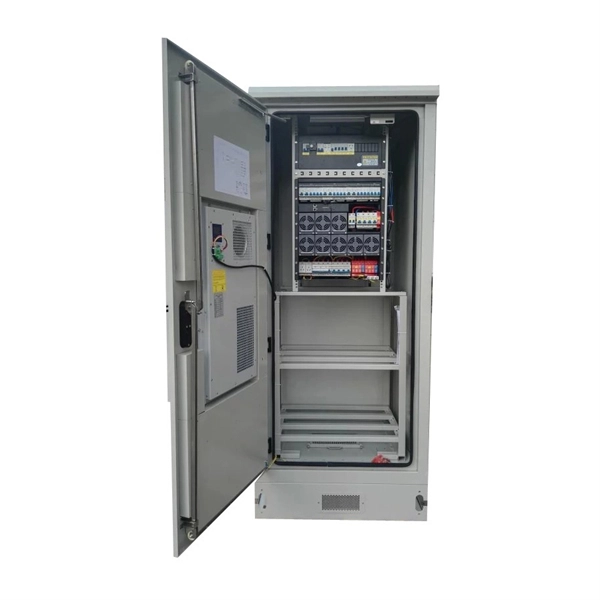
Router settings for simultaneous ADSL and fiber optic connections
Within the router's settings, look for the “load balancing” or “link aggregation” section. Enable this feature and select the two internet connections you want to combine. An unlimited. Yes, you can connect two routers to one fiber modem, but understanding the 'how' and 'why'...
-
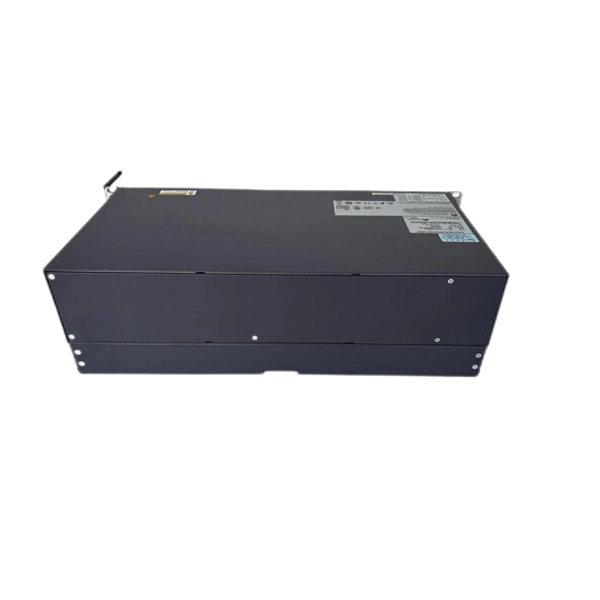
Is a dual gigabit router necessary with a 100Mbps fiber optic connection
The short answer is no, you don't necessarily need a special router for fiber optic internet. With 100M optical fiber broadband, can I change the gigabit router to increase the network speed? In fact, when you are using 100M broadband, changing to a gigabit router can not...
[PDF Version]