
9 Query Commands For Huawei Switches
Search optical fiber, connectivity, cable management and network infrastructure references.
-
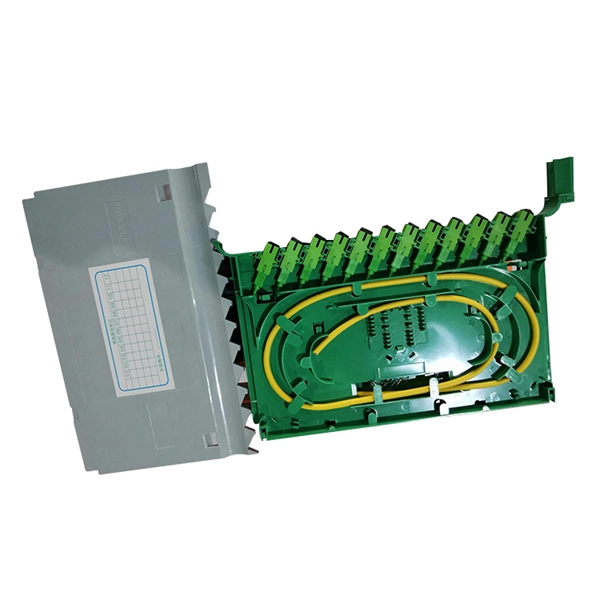
Huawei can build aggregation switches
Huawei offers a range of powerful aggregation switches designed to meet the diverse networking needs of modern enterprises. These switches serve as critical intermediaries between access and core layers, ensuring high-speed data transmission, intelligent traffic management...
[PDF Version]
-
Viewing Fiber Optic Transceiver on Huawei Switches
Run the display transceiver [ interface interface-type interface-number | slot slot-id ] [ verbose ] command to view information about the optical module on a specified interface. During use, reading optical module information helps understand its real-time operating status...
[PDF Version]
-
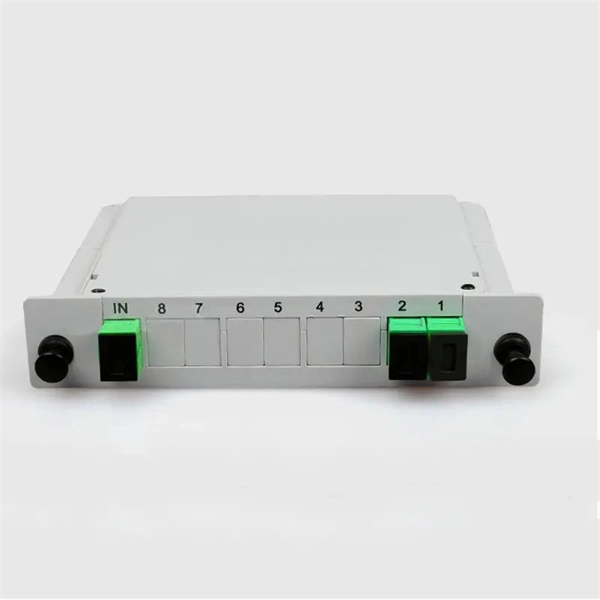
Huawei S2720 Series Core Switches
Huawei S2720-EI switches are well suited for enterprise campus access scenarios, featuring both 100M-to-the-desktop and GE uplink transmission. They provide a mix of 100M and 1000M ports and offer rich Layer 3 routing protocols, high performance, and powerful service...
-
How to remove VLAN segments from Huawei core switches
To remove an individual VLAN from your HUAWEI switch configuration: Enter System View: Access the global configuration mode from the user view. Delete the VLAN: Use the undo vlan command followed by the specific VLAN ID. It is good practice to delete unused VLANs to conserve...
[PDF Version]
-
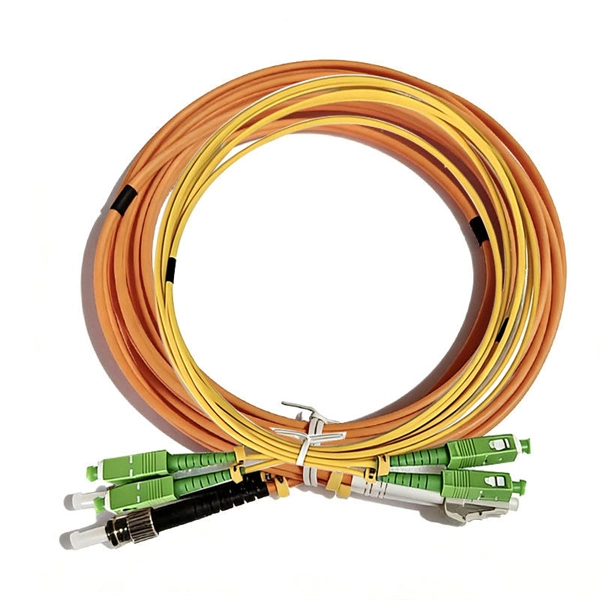
Huawei fiber optic routers and switches
Network Switches | Huawei EnterpriseHuawei campus switches are ideal for building future-proof campus networks with simplified management, high reliability.
[PDF Version]
-
Disabling PoE Function on Huawei PoE Switches
poe disable (AP wired port link profile view) Before using an AP to provide power for PDs connected to its interfaces, ensure that the PoE function is enab.
[PDF Version]
Explore the next connection
- High-precision waterproof fiber optic connectors
- Price of good trapezoidal cable trays
- Communication Iron Industry Equipment Tools
- The main switch in the household distribution box tripped
- Principle of Fiber Optic Sensor for Flow Velocity Measurement
- West Africa Bridge Bend
- Optical Module Manufacturing Process from Raw Materials
- Three kilometers of optical fiber cable