
48 Port Terminal Box
Search optical fiber, connectivity, cable management and network infrastructure references.
-
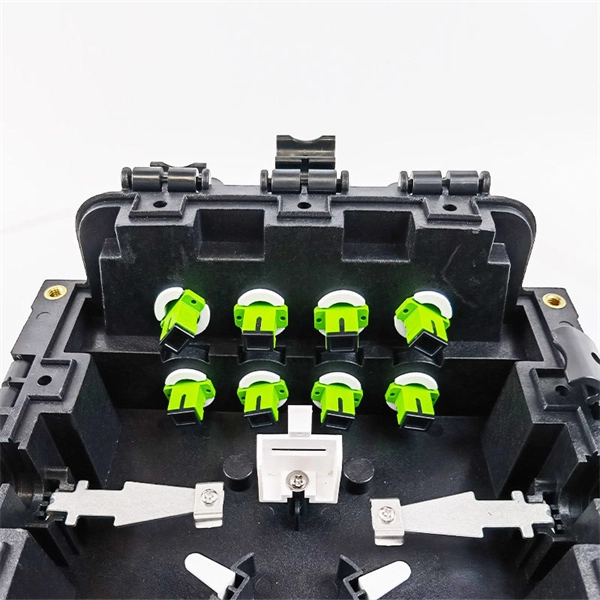
How to connect a single port of a fiber optic terminal box
Secure the box with screws (ensure depth ≥40mm). Run incoming fiber cable through the box's entry port. Connect ONT to socket. Learn how to install a fiber optic termination box step-by-step for FTTH projects. Covers mounting, splicing, routing, labeling, and testing for...
[PDF Version]
-
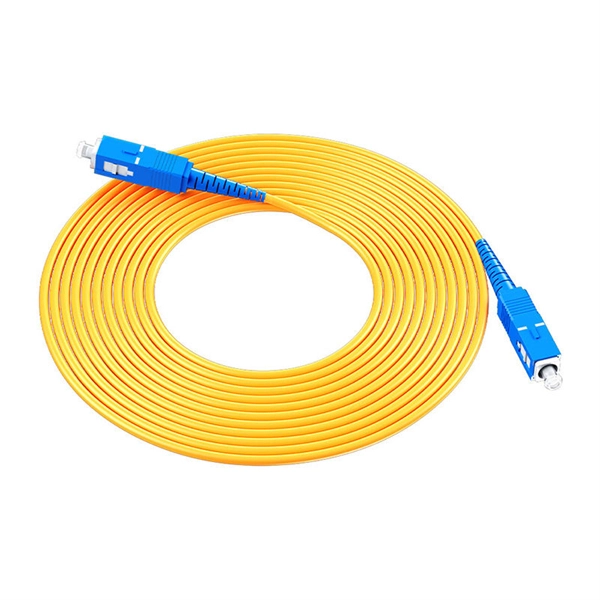
Composite Fiber Terminal Box
Our fiber terminal boxes serve as compact enclosures ideal for FTTH/FTTB deployments. In every fiber build, there's a quiet place where the glass path meets the real world: the fiber optic terminal box. It's where delicate strands are protected, splices are routed, connectors...
[PDF Version]
-
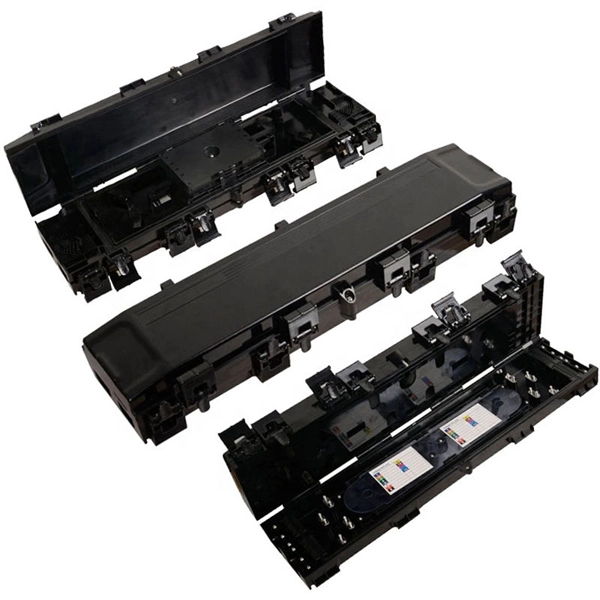
DIN Rail Type 4-Port Terminal Box
DIN Rail mounted Optical termination boxes with 4 client ports. They are conveniently equipped to organize and connect the fiber optic links. It is suitable for the use in telecommunication network, central office optical. 1. how can we guarantee quality? 3. why should you...
[PDF Version]
-
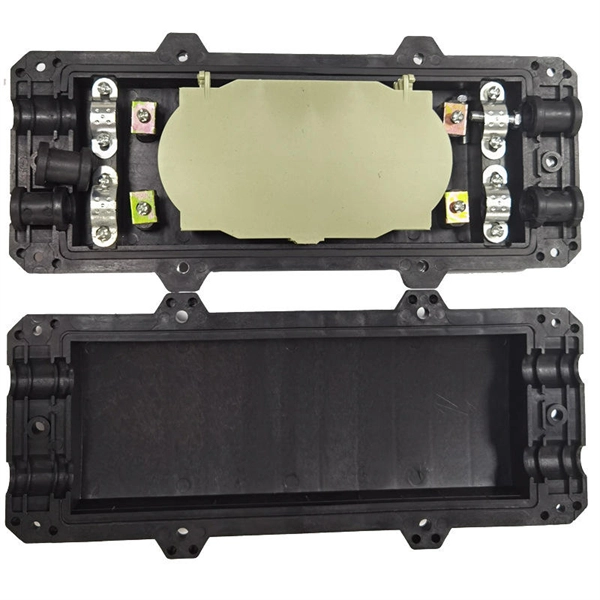
Power Terminal Box Installation Method
In this step-by-step tutorial, we'll cover: ✅ Tools you need ✅ Safety precautions ✅ Mounting the box ✅ Wiring tips ✅ Final checks Perfect for beginners, DIYers, and electricians who want a clear installation guide. more Learn how to properly install an electrical box safely...
[PDF Version]
-
Fiber Optic Trailer Terminal Box
Fiber optic termination boxes provide a secure and organized solution for protecting and distributing fiber connections in FTTH, FTTB, and small network deployments. The FTB product family offers modularity and ease of installation supporting multiple application options...