
Fiber connection and distribution references
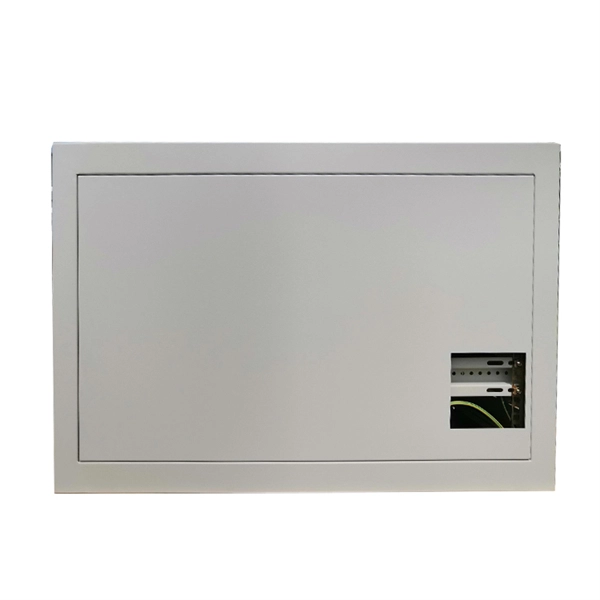
How to Connect Fiber Optic Cable to Router: Complete Guide 2025
By following this detailed guide, you''ve not only learned how to connect fiber optic cable to router properly but also how to optimize and maintain that connection for peak performance.
How to Connect Fiber Optic Cable to Router: A Step-by
However, setting up a fiber optic connection to your router can seem daunting if you''re unfamiliar with the process. In this guide, we''ll walk you
How to Connect a Fiber Optic Cable to a Router
The fiber optic cable does not plug directly into a standard home router because the signal type must be translated. The fiber line terminates at the Optical Network Terminal (ONT),
How to connect a fiber optic cable to the router
4. Locate the fiber optic port: Look on your router for the port designated for the fiber optic connection. This port is usually clearly identified and is different from traditional Ethernet ports. 5.
Fiber Wall Socket: Your Complete Guide to Installation, Types
Introduction A fiber wall socket (also called an optical termination outlet or FTTH outlet) is the critical endpoint where your home''s fiber optic cable connects to the Optical Network Terminal
How to Connect Fiber Optic Cable to Router: Top 5
Learn how to connect fiber optic cable to router with our step-by-step guide. Optimize your home network for speed and reliability!
Connecting to a Router or Modem | Fiber Cable Connection – Sivo
Identify the Fiber Port: Locate the fiber optic port on your router or modem. It might be labeled "Fiber," "FTTH," "PON," or have a small receptacle for the fiber connector.
How to Connect Fiber Optic Cable to Router: Step-by-Step Guide
Master the process of connecting a fiber optic cable to your router. Dive into preparation tips, setup instructions, and configuration settings for optimal fiber internet connectivity.
Fiber Internet Installation: Step-by-Step Guide (2026)
The optical network terminal (ONT) is the critical component that converts fiber optic signals into data your devices can use. Post-installation optimization matters —proper router
How To Connect Fiber Optic Cable To Router?
Insert the Fiber Cable: The fiber optic cable connects directly into the ONT provided by your ISP. Make sure to carefully insert the fiber cable into the proper port labeled “Fiber” or “GPON.”
Master Your Fibre Optic Installation: Step-by-Step Best Practices
This comprehensive guide delves into the intricacies of fiber optic installation, exploring topics ranging from cable types and pre-installation considerations to execution, safety protocols,
What to Do When the LOS Light Blinks Red and How to Reset Your Router
2. Inspect the Fiber Optic Cable Look for physical damage, cuts, or bends in the fiber optic cable. Ensure the cable is properly connected to the router''s WAN/ONT port. 3. Reboot Your
How to connect a fiber optic cable to the router
The router may require a few minutes to set up the new connection. 7. Verify the connection: To make sure everything worked correctly, check the internet connection on your
Fibre Optic Network Design Principles – Wray Castle
Introduction to fibre optic network design Fibre optic network design is the structured engineering process of planning how optical fiber infrastructure connects buildings, campuses, cities,
The Best Routers for Fiber Internet: My Expert Picks
Linksys E8450 AX3200 WiFi 6 Router – best fiber optic Wi-Fi router for simultaneous dual-band streaming The best routers for fiber internet compared After providing you with the general
Best Routers For Fiber Optic Internet | Verizon Business
Find the best routers for fiber optic internet to maximize speed and security. Ensure seamless business connectivity with top-performing equipment. Explore options now!
Optical Fiber Products
Optical fiber broadband brings together a culture of innovation, quality, and manufacturing excellence to create life-changing products.
Openreach equipment in your home | ONT Box, Fibre
What Openreach equipment you may have in your home Optical Network Terminal (ONT) The Optical Network Terminal (ONT) is the main connection point
Related Video Reference
This video was associated with the source search result. Verify technical details against current product documentation and project requirements.