
Fiber connection and distribution references
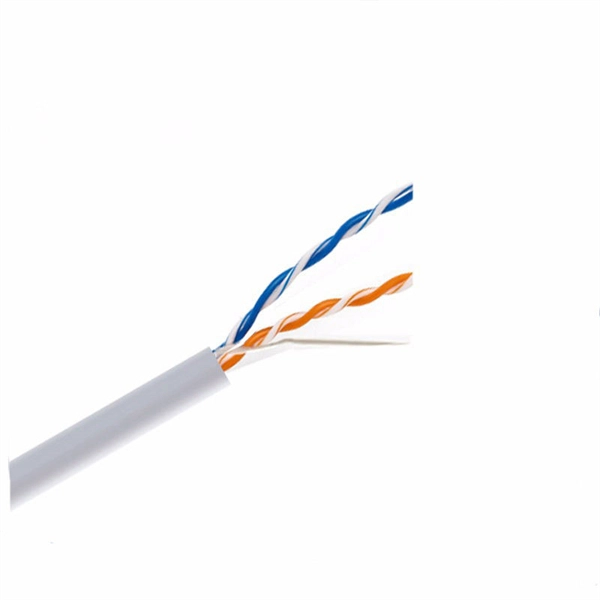
How to Connect Fiber Optic Cable to Router: A Step-by
Q: Why is my router not detecting the fiber connection? A: Ensure all cables are securely connected, the ONT is powered on, and your ISP has
How to Connect a Fiber Optic Cable to a Router
Connect fiber internet correctly. Learn the essential hardware bridge and sequential steps needed to link the optical line to your router.
Fiber Optic Cable to Router: Step-by-Step Guide
Master connecting a fiber optic cable to your router with tips, setup instructions, and configuration for optimal internet connectivity.
Unable to Connect Router to Fiber Optic Cable Modem
Despite multiple attempts, the Archer AX6000 v1.0 is unable to connect to the modem. The blue light on top of the router spins around for a few minutes as it tries to negotiate a connection
Fiber Optic Troubleshooting Guide: Problems,
Learn how to troubleshoot fiber optic cables with common problems, a step-by-step process, essential tools, and
How to Connect Fiber Optic Cable to Router: Complete
By following this detailed guide, you''ve not only learned how to connect fiber optic cable to router properly but also how to optimize and maintain
Troubleshoot Fiber Links on Catalyst 9000 Series Switches
This document describes how to troubleshoot fiber optic interfaces by addressing some of the fiber optic module and cabling specifications.
Fiber Optic Troubleshooting: Expert Guide for Common
Troubleshoot fiber optic issues like a pro with our expert guide. Resolve common problems and ensure seamless connectivity.
Fiber Network Troubleshooting – Common Issues & Fixes
Learn how to troubleshoot fiber networks. Identify common issues like high loss, dirty connectors, and signal drops, with practical solutions for optical
Can I use my existing router with fiber?
In most cases, yes, you can use your existing router with fiber optic internet, provided it has a WAN (Wide Area Network) Ethernet port and your ISP provides
Cable Internet Providers in Your Area by Zip Code
Compare the speeds and prices of cable internet providers in your area. Find the best deal for you and get connected today!
High Speed Fibre Broadband Half Price! – Save on 12
Get Half price broadband from €35, TV from €10, and zero activation fees. Limited-time 12-month deals. It''s Playtime!
Network packet
It is usually of variable length, up to a maximum that is set by the network protocol and sometimes the equipment on the route. When necessary, some networks can break a larger packet into smaller
Gefen Store
Professional AV over IP, HDMI, DVI & KVM solutions. Quality video distribution, matrix switches & extenders. Trusted AV technology experts.
How to Connect Fiber Optic Cable to Router? Easy Fiber Optic
Fiber Connection: Locate the optical port on your router and carefully insert the fiber cable''s connector, ensuring a snug fit. Click it into place if it has a locking mechanism.
How To Connect Fiber Optic Cable To Router?
Connecting a fiber optic cable to a router involves a few key steps and specialized equipment. Here''s a simple guide to help you through the process: 1.
How to Connect Fiber Optic Cable to Router: Complete
These cables support data transfer rates of up to 10Gbps—critical for preserving fiber''s performance advantage. Fiber Optic Cable: This specialized
How to connect a fiber optic cable to the router
The router may require a few minutes to set up the new connection. 7. Verify the connection: To make sure everything worked correctly, check the internet connection on your
Related Video Reference
This video was associated with the source search result. Verify technical details against current product documentation and project requirements.