
Fiber connection and distribution references
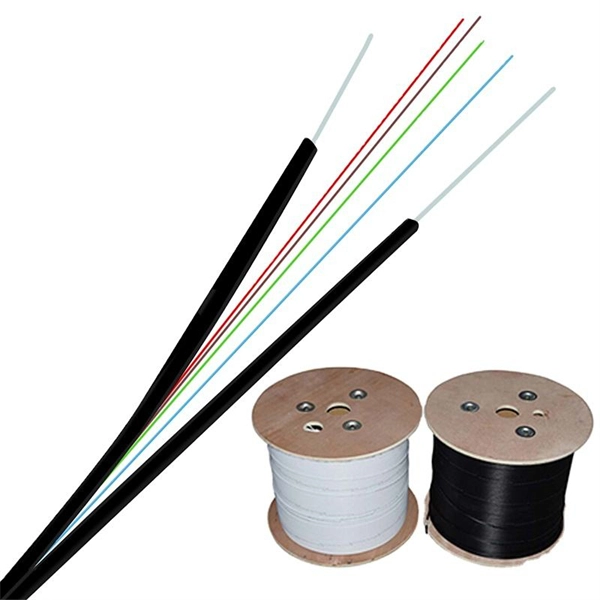
How to Connect a Fiber Optic Cable to a Router
The fiber optic cable does not plug directly into a standard home router because the signal type must be translated. The fiber line terminates at the Optical Network Terminal (ONT),
How is Fiber Internet Installed? Everything You Need to
Explore how fiber optic internet is installed in your home, with step-by-step details on cables, ONTs, routers, and what to expect during the appointment.
Complete Guide to Fiber Optic Home Networking | BroadbandSearch
SFP+ is a fiber-optic module that plugs directly into compatible routers, bypassing the copper Ethernet conversion entirely. It''s faster and eliminates a conversion step but requires a router
Fiber Box vs. Modem: Clarifying the Distinction
Customers typically connect their routers directly to the ONT to access the internet. In summary, the ONT or fiber box is specific to fiber optic connections and acts as the interface between the optical
Fiber Internet Installation: Step-by-Step Guide (2026)
The optical network terminal (ONT) is the critical component that converts fiber optic signals into data your devices can use. Post-installation optimization matters —proper router
Fiber Internet Installation Guide | BroadbandSearch
If you''re curious about different types of internet connections, understanding fiber''s advantages can help you appreciate why this installation process is more involved than traditional
Do You Need a Modem for Fiber Internet? | BroadbandSearch
Key Takeaways: Fiber Hardware at a Glance ONT, not modem: Fiber internet uses an ONT (Optical Network Terminal) instead of a cable modem. The two devices are not interchangeable
The best place to put your router: 7 dos and don''ts
Knowing where in your house to place your router can be tricky, but don''t panic. We''ve put together a list of top tips so you can make the most of your broadband speeds and discover how to get the best
How to Connect Fiber Optic Cable to Router: A Step-by-Step Guide
Fiber optic internet delivers blazing-fast speeds and reliable connectivity, making it a top choice for modern homes and businesses. However, setting up a fiber optic connection to your router
Relocating a fibre-optic router-modem within a home
And splices are not easy. The typical solution is install the fiber modem in the best place for the fiber, and then run a single ethernet line to your router. If it''s an all-in-one box you can probably get it
3.) Where to put the fibre box or ONT in your home
As part of the installation process, you''ll want to decide the best place to put your ONT or fibre box, so you can get broadband to all the spaces you need in your property. We talk you through
How to Connect Fiber Optic Cable to Router: Top 5
Learn how to connect fiber optic cable to router with our step-by-step guide. Optimize your home network for speed and reliability!
How Is Fiber Optic Internet Installed?
Discover how fiber optic internet is installed in your home. Learn about the installation process, equipment needed, and how fiber provides the fastest internet speeds.
How to Connect Fiber Optic Cable to Router: Complete Guide 2025
The difference between a properly installed fiber connection and a hasty setup can be measured in hundreds of megabits per second. Take the time to connect fiber optic cable to router
Openreach equipment in your home | ONT Box, Fibre & what not to
What is the Openreach box on your wall? It''s called an Optical Network Terminal, or ONT. It converts the fibre signal entering your home into a connection your router can use. It''s not a router, and it''s not a
Do You Need a Modem for Fiber Internet? | BroadbandSearch
Fiber internet does not use a traditional cable modem. Instead, it requires an Optical Network Terminal (ONT) — a device supplied by your fiber provider that converts the light-based
Fiber Optic Router...What is it and why do you need one?
A fiber optic router is a small box that translates data from your fiber modem (or ONT) to communicate a Wi-Fi signal to the devices on your local network. Learn more.
What is an Optical Terminal Network and Why Do I Need It?
What is an Optical Network Terminal (ONT)? You''ll typically find an Optical Network Terminal (ONT), or fiber box, in a central part of your home, like on the outside of your home, in your
Related Video Reference
This video was associated with the source search result. Verify technical details against current product documentation and project requirements.