
Fiber connection and distribution references
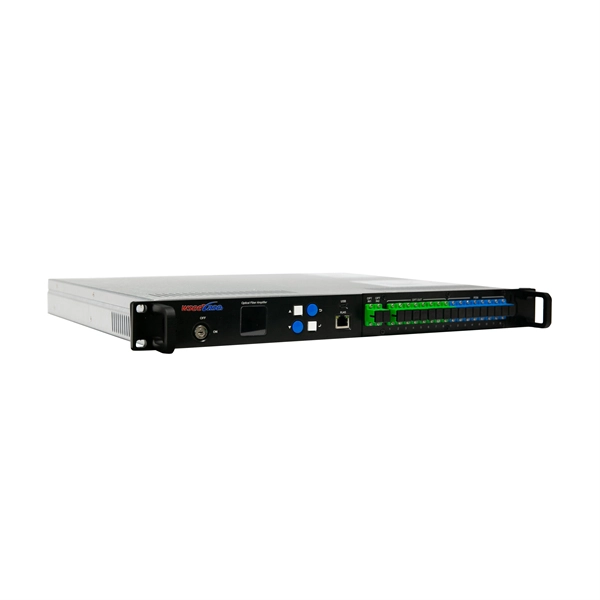
Patch Panel Cable Management Guide: Labeling, Routing & Rack
This guide covers patch panel labeling systems, rack layout frameworks, cable routing best practices, and a port-mapping workflow that reduces MTTR from 6 hours to under 15 minutes —
Structured Cabling Patch Panel Setup Guide for Your
Our guide delivers actionable, step-by-step best practices for rack layout, cable management, and patch panel installation. Following these steps
A Comprehensive Guide to Effective Cable Management: Patch
Learn from experts with decades of experience about installing and managing patch panels and switches effectively in data centers. An ultimate guide to cable management for
Network Planning and Infrastructure: Structured Cabling, Rack Design
I''ll cover why structured cabling is so important, how to choose placement for clients, servers, and network devices, what racks and patch panels are for, and which steps to follow to do
Complete Server Rack Cabling Guide: How to Keep Your Network
Learn the complete server rack cabling process with LINKOMM''s professional tools — from patch panels to cable organizers, build a cleaner and smarter network system.
A Guide to Patch Panel Cable Management – VCELINK
Understanding patch panel wire management techniques is the starting point for good network cable management. Below you''ll find a detailed guide on the best practices, tools, and
Racks, Patch Panels & Cable Management: Structured Guide
Learn how rack cabinets, patch panels, and proper cable management improve network performance, airflow, and scalability in ICT installations.
How to Install Patch Panel and Switch?
Learn best practices for patch panel and switch setups, including how to connect patch panel to switch and use Ethernet patch panel cable management to keep racks clean and easy to
Home Lab Cable Management: A Practical Guide to Taming the Mess
A hands-on guide to organizing cables in your home lab rack — covering patch panels, cable managers, labeling systems, velcro vs zip ties, and rack layout strategies that make maintenance painless.
Best Patch Panels: Effective Network Cable
Discover the key functions, types, and materials of patch panels. Learn how cable management racks & patch panels improve network stability, scalability, and
Network Rack Setup And Cable Management
In this video we take a look at some of the equipment I use when setting up a network rack along with products I use for cable management.
Server Rack Cable Management: Best Practices and Comprehensive
Master server rack cable management with best practices for organizing power and network cabling using vertical/horizontal managers, patch panels, labeling, service loops, and routing standards to
PATCHBOX: Simplify your IT with retractable Patch Cables
The patchbox.one was designed with the user in mind – for IT engineers by an IT engineer – to keep network racks organized. It is an all-in-one cable management solution consisting of 24 retractable
Server rack cabling best practices
So we just ordered upgrades for all of our switches and firewalls in our main rack in the server room which, to be honest, is a rats nest of cables. I''ve been trying to get the go ahead to
Rack Mount Cable Management
However,rack mount cable management is often a challenging task for many engineers, and rack mount patch panels are now the primary type used in data
Learn Network Cable Management for Home Racks
In this video I build a network rack from scratch, explaining along the way the each step and the reason I am doing it the way that I am. This is intended f...
Rack Organization
So I have seen a few philosophies on how to organize a rack. I personally am a fan of a rack having a patch panel, then a switch below it. I have seen others that prefer grouping patch
Cabling Basics
This video covers the basics of patching in a 24 or 48 port panel in a small business or possibly a large home rack. I discuss some ways to do a better job
Related Video Reference
This video was associated with the source search result. Verify technical details against current product documentation and project requirements.